What you'll need before you start
Before setup, gather three things: a phone number to forward, a connected calendar or dispatch system, and written escalation rules. With those in place, automation runs end to end overnight, which matters because 27% of calls to home-services businesses go unanswered, per Invoca (2024).
Here's the good news. None of this needs new hardware or a rip-and-replace of your phone system. You already own most of the pieces. The work is gathering them in one place and writing down decisions you've been making in your head for years. Pull together these five things before you flip the switch.
- A phone number to forward. Your existing business line, set to conditional or after-hours forwarding so overnight calls reach the agent.
- A calendar or dispatch system. Google Calendar, Jobber, Housecall Pro, ServiceTitan, or your clinic's scheduler, so the agent books straight into the slot you actually have open.
- Written escalation rules. A short list of what counts as an emergency in your trade, plus the on-call number each one routes to.
- An after-hours greeting and script. What the agent says, the questions it asks, and the answers it gives for your three or four most common overnight requests.
- An on-call rotation. Who picks up emergency transfers tonight, and how that changes through the week.
[PERSONAL EXPERIENCE] In our experience, owners get all five together in an afternoon. The piece that takes the longest isn't technical. It's the escalation list, because writing it forces you to decide, on paper, exactly what's worth waking a tech for. That decision is the whole system, so it's worth the hour.
Quotable summary: A working after-hours setup rests on three prerequisites: a forwarding number, a connected calendar or dispatch system, and written escalation rules. Why bother? Invoca's call-tracking data shows 27% of calls to home-services businesses go unanswered (Invoca, 2024), and most of those callers never call back.
For the wider problem this solves, see how SkoreFlow recovers the calls service businesses miss.
How do you set up after-hours call automation step by step?
Setting up after-hours call automation takes five ordered steps: forward your line, connect your calendar, write triage rules, script the agent, then test before going live. Done in order, the system answers overnight and routes urgent jobs the same night, instead of leaving them in voicemail, where fewer than 3% of callers leave a message, per Invoca (2024).
Order matters here more than speed. Each step builds on the one before it, and two of them are where almost every rollout goes sideways. Work through them in sequence. Don't skip the triage step, and whatever you do, don't skip the test.
Step 1: Forward your after-hours calls to the agent
First, set conditional call forwarding so calls outside business hours route to the AI voice agent instead of voicemail. Keep your existing number, callers dial the same line they always have, and the forwarding rule only fires after 5pm, on weekends, or whenever you define "after hours." Daytime calls still reach your front desk.
Step 2: Connect your calendar or dispatch system
Next, link the agent to the system where you actually book work. The agent reads your real availability and writes the appointment straight into Google Calendar, Jobber, Housecall Pro, or your clinic scheduler. This is the step that turns a captured call into a booked job. No callback list to chase the next morning, no sticky notes by the coffee pot.
Step 3: Write your triage and escalation rules
Now define what counts as an emergency and where each one goes. List your urgent scenarios, a burst pipe, no heat in winter, a gas smell, a patient in severe pain, and map each to an on-call number. Everything else, quotes, routine repairs, standard appointments, the agent handles itself. This rule set is what the whole system runs on. Get it right and the other four steps mostly run themselves.
Step 4: Script the greeting and common answers
Then write what the agent says. Draft an after-hours greeting, the qualifying questions it asks, and clear answers for your three or four most common overnight requests. Keep it in your trade's voice. The script tells the agent how to book routine work and how to recognize the keywords that should trigger an escalation.
Step 5: Test, then go live
Finally, call your own line after hours and run real scenarios before launch. Place a routine booking call, then a fake emergency, and confirm the agent books one and transfers the other to the right on-call person. Fix any gaps in the script or rules, then turn forwarding on for good.
[PERSONAL EXPERIENCE] Here's the step owners want to skip, and it's the one that saves the launch. The first live test almost always surfaces a missing escalation keyword or a calendar that's double-booking. Ten minutes of dialing your own number after hours catches problems that would otherwise show up as a furious customer at 2am. We've found a single dry run prevents most week-one complaints. Spend the ten minutes.
Quotable summary: Setting up after-hours call automation follows five ordered steps: forward the line, connect the calendar, write triage rules, script the agent, then test before going live. Skip the testing step and your first surprise is a real customer, not a dry run. Order matters more than speed here.

To see how the underlying technology fits together, see how the missed-call recovery voice agent qualifies and books on the call.
How do you tune automation for trades versus clinics?
Vertical tuning changes what "urgent" means: trades tune for emergency dispatch, clinics tune for appointment intake plus a nurse-line handoff. The split matters because urgency profiles differ sharply, and only about 11% of patient calls happen during off-hours or weekends, per Hyro (2023), while service trades can see a majority of calls outside 9-to-5.
The same engine runs both. What changes is the bias of the triage rules and the words in the script. Tune them to your reality below.
Plumbers and HVAC: emergency triage and dispatch
For trades, the agent's main job after hours is separating a dispatch-now emergency from a book-it-tomorrow request. A burst pipe, a flooded basement, or no heat in a cold snap routes straight to your on-call tech. A dripping faucet or a maintenance quote gets booked into the next open slot. The stakes are real, because after-hours emergency tickets carry premium value, and the average HVAC repair ticket reached about $1,205 in 2025, per Housecall Pro (2025). Tune the script to ask one or two urgency questions fast, then act. Now do the math. Miss two emergencies a week to voicemail and you've left roughly $2,400 a week on the table, every week, at that ticket value.
Clinics: appointment intake and nurse-line handoff
For clinics, after-hours calls skew toward scheduling and patient questions, with genuine clinical urgency the exception. Tune the agent to book and reschedule appointments, answer routine logistics like hours and location, and hand off anything clinical to your nurse line or on-call provider. Keep collected details minimal, name, callback number, reason in broad terms, and let the nurse line handle specifics. After-hours volume is steady but smaller: about 11% of patient calls fall outside business hours, per Hyro (2023).
[UNIQUE INSIGHT] The vertical difference isn't really about industry. It's about the cost of a wrong triage call in each direction. For a plumber, missing an emergency means a flooded house, so the rules lean toward escalating when in doubt. For a clinic, over-escalating means waking a provider for a scheduling question, so the rules lean toward booking and handing off only clear clinical concerns. Tune the bias to match which mistake hurts more in your trade. That one decision shapes every script line you write after it.
Quotable summary: Trades and clinics run the same engine but opposite triage bias. Trades dispatch burst pipes and no-heat calls to the on-call tech; clinics book appointments and reserve the nurse-line handoff for clinical concerns. Hyro's analysis of roughly 300,000 patient calls put about 11% outside business hours (Hyro, 2023), while trades see far more.

Run a clinic instead of a truck? See how the consultation booking voice agent books consults and cuts no-shows.
What are the most common after-hours automation mistakes?
The two costliest mistakes are no escalation path and treating every after-hours call as an emergency. The first leaves urgent calls stranded; the second buries your on-call staff in noise. Both are avoidable, and getting triage right matters because phone calls are the top-rated lead source for 66% of SMBs, per BIA/Kelsey (2014).
Remember the mistake we flagged in the intro, the one that costs more than the rest? It's the first one on this list. These five trip up most rollouts, and each one has a simple fix.
- No escalation path. If the agent can't reach a human, a true emergency dies in the system. This is the expensive one. Always define on-call numbers and a fallback if the first contact doesn't answer.
- Treating every call as an emergency. Routing everything to your on-call tech burns them out and trains them to ignore alerts. Let the agent book the routine 80% and escalate only the urgent slice.
- No human handoff at all. Going fully automated invites the top consumer objection. 64% of customers would prefer companies didn't use AI in service, per Gartner (2024), with the top concern being difficulty reaching a person.
- Skipping the test run. Launching without dialing your own line after hours guarantees a week-one surprise. Test a routine and an emergency call first.
- Stale calendars or rotations. If availability or the on-call list is wrong, the agent books over a full slot or pages the wrong person. Keep both current.
[PERSONAL EXPERIENCE] Across the after-hours rollouts we've configured, the single most common fix in the first week is widening, then narrowing, the emergency keyword list. Owners usually start by flagging too few scenarios, miss a real one, then overcorrect and escalate everything. The stable setting lands in the middle: a tight list of genuine emergencies, with everything else booked. Plan for that adjustment rather than treating the first list as final.
Worth quoting: The two costliest after-hours automation mistakes are having no escalation path and treating every call as an emergency. Triage accuracy is not a nice-to-have. Phone calls are the top-rated lead source for 66% of SMBs (BIA/Kelsey, 2014), so a botched handoff burns a high-intent buyer.

Curious what fixing this is worth? Estimate your recovery with the Missed Call Revenue Calculator.
How does SkoreFlow automate after-hours calls?
SkoreFlow answers your after-hours line with an AI voice agent on a flat monthly plan, booking routine overnight jobs directly and transferring true emergencies to your on-call tech or nurse line. The model fits the overnight problem precisely, because 27% of calls to home-services businesses already go unanswered, per Invoca (2024), and a booked job beats a relayed message.
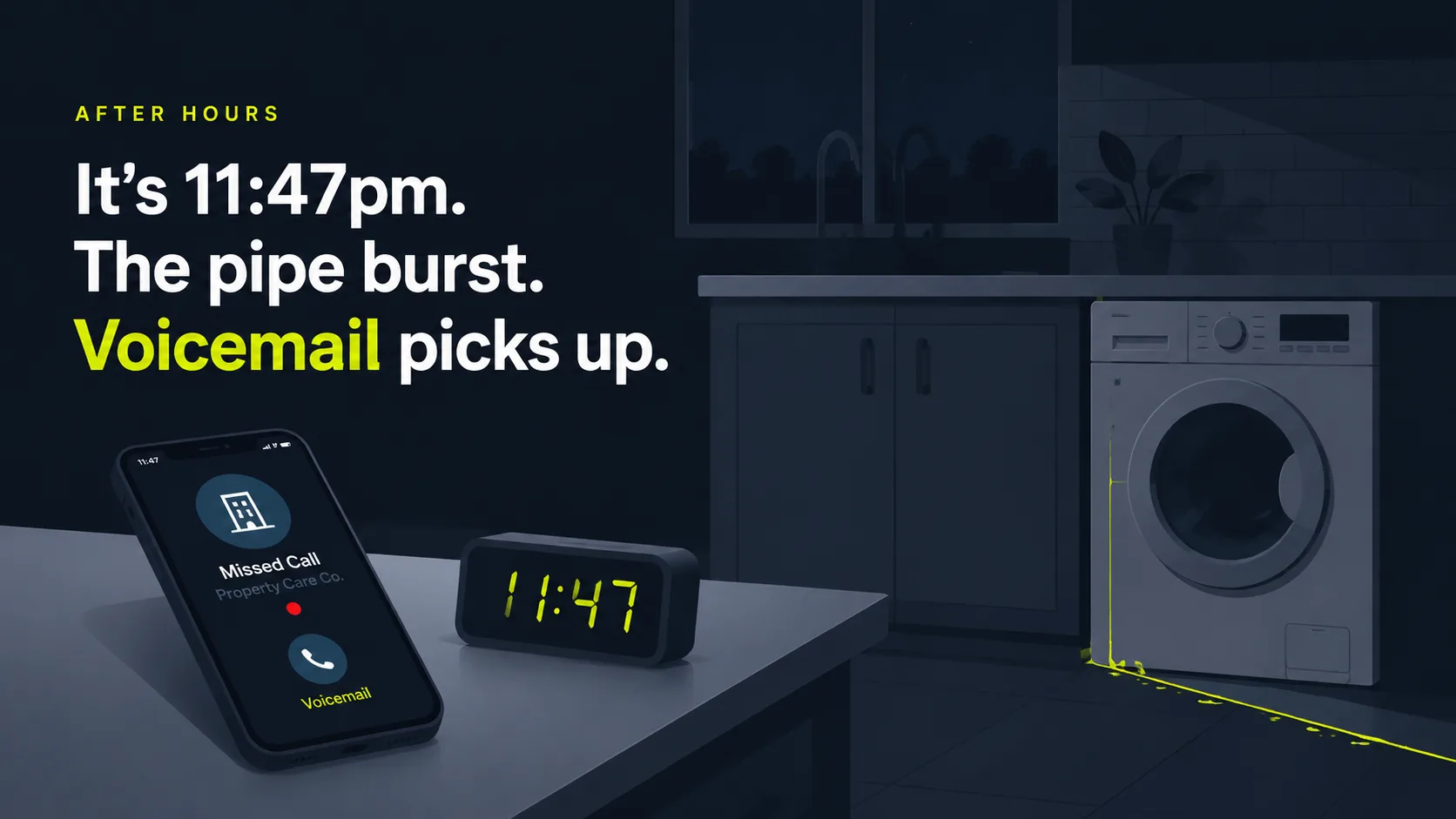
Back to that 11:47pm burst pipe. With SkoreFlow's Missed Calls Recovery on the line, the agent answers in 0.4 seconds, filters spam, qualifies the caller, and either books the estimate or patches a true emergency to your on-call tech. It books jobs, not messages, which is the difference from an answering service like Ruby, where someone takes a note and leaves you to call back at 7am. By then it's too late. Plans run a flat $197 to $697 a month, the agent is TCPA-aware, and you go live in 48 hours. It connects to ServiceTitan, Jobber, Housecall Pro, and Google Calendar, so overnight bookings land straight in the system you already dispatch from.
You keep your existing number and set after-hours forwarding once. The agent runs your trade-specific script and triage rules: it books routine work straight into your calendar or dispatch software, answers your common overnight questions, and recognizes urgent scenarios to patch them to your on-call person. That AI-plus-human handoff answers the most common objection directly, since the top consumer worry about AI is not reaching a human, per Gartner (2024). Clinics use the HIPAA-aware consultation booking voice agent instead, live in 5 days, for appointment intake and a nurse-line handoff; trades get emergency dispatch. And SkoreFlow backs trades setup with a simple promise: 5 booked jobs in 30 days or your setup fee back. Worst case, you find out for free.
Illustrative example (industry-based scenario, not a real client, your numbers will vary): Picture a 6-tech HVAC shop fielding about 8 after-hours calls a week, 3 of them genuine emergency dispatches. On voicemail, with fewer than 3% of callers leaving a message, per Invoca (2024), most of those simply vanish.
Now assume a realistic capture rate. Say automation books 1 to 2 of those 3 weekly emergencies, not all of them, because some callers still won't convert and capture is never 100%. At an average HVAC repair ticket near $1,205 in 2025, per Housecall Pro (2025), that shop recovers roughly $1,200 to $2,400 a week. Over a year that lands somewhere around $60,000 to $125,000 (illustrative range, not a guarantee). Capture all 3 every week and the top end runs higher, but treat that as a best case, not a forecast. Run your own volume, capture rate, and ticket value in the calculator before you trust any figure.
In one line: SkoreFlow answers after-hours calls with an AI voice agent on a flat $197 to $697/mo plan, books routine jobs into ServiceTitan, Jobber, Housecall Pro, or Google Calendar, and transfers true emergencies to on-call staff. It books jobs, not messages, unlike Ruby, and goes live in 48 hours. The model fits because most missed overnight callers never leave a voicemail (Invoca, 2024) and the top worry about AI is simply not reaching a person (Gartner, 2024).

Ready to size your own opportunity? Run the numbers in the Missed Call Revenue Calculator, then book a free call audit. It is a no-pressure, 20-minute review.
The bottom line: book overnight, escalate only what's urgent
Set up after-hours call automation right and your overnight phone stops leaking jobs. Forward the line, connect your calendar, write tight triage rules, script the agent, and test before launch. The deciding fact is simple: fewer than 3% of callers sent to voicemail leave a message, per Invoca (2024), so a missed after-hours call is usually a lost job, not a delayed one.
So go back to that 11:47pm caller. With the line forwarded, the calendar connected, and a tight emergency list in place, that pipe gets dispatched to your on-call tech tonight, not someone else's. Tune the rules to your trade: plumbers and HVAC shops lean toward emergency dispatch, clinics lean toward appointment intake with a nurse-line handoff. Avoid the two big mistakes, no escalation path and treating every call as an emergency, and pair the AI with a clean human handoff for the urgent slice. Want to know what your after-hours calls are worth? Put your real numbers into the Missed Call Revenue Calculator to see your recovery, then see how SkoreFlow's missed-call recovery books jobs, not messages and goes live in 48 hours. When you're ready, book a free call audit, a no-pressure, 20-minute review, and we'll map it with you.
Written and reviewed by Maksim Skorokhod, Founder of SkoreFlow, who builds AI answering and voice automation for small service businesses. Last reviewed: 2026-06-07.