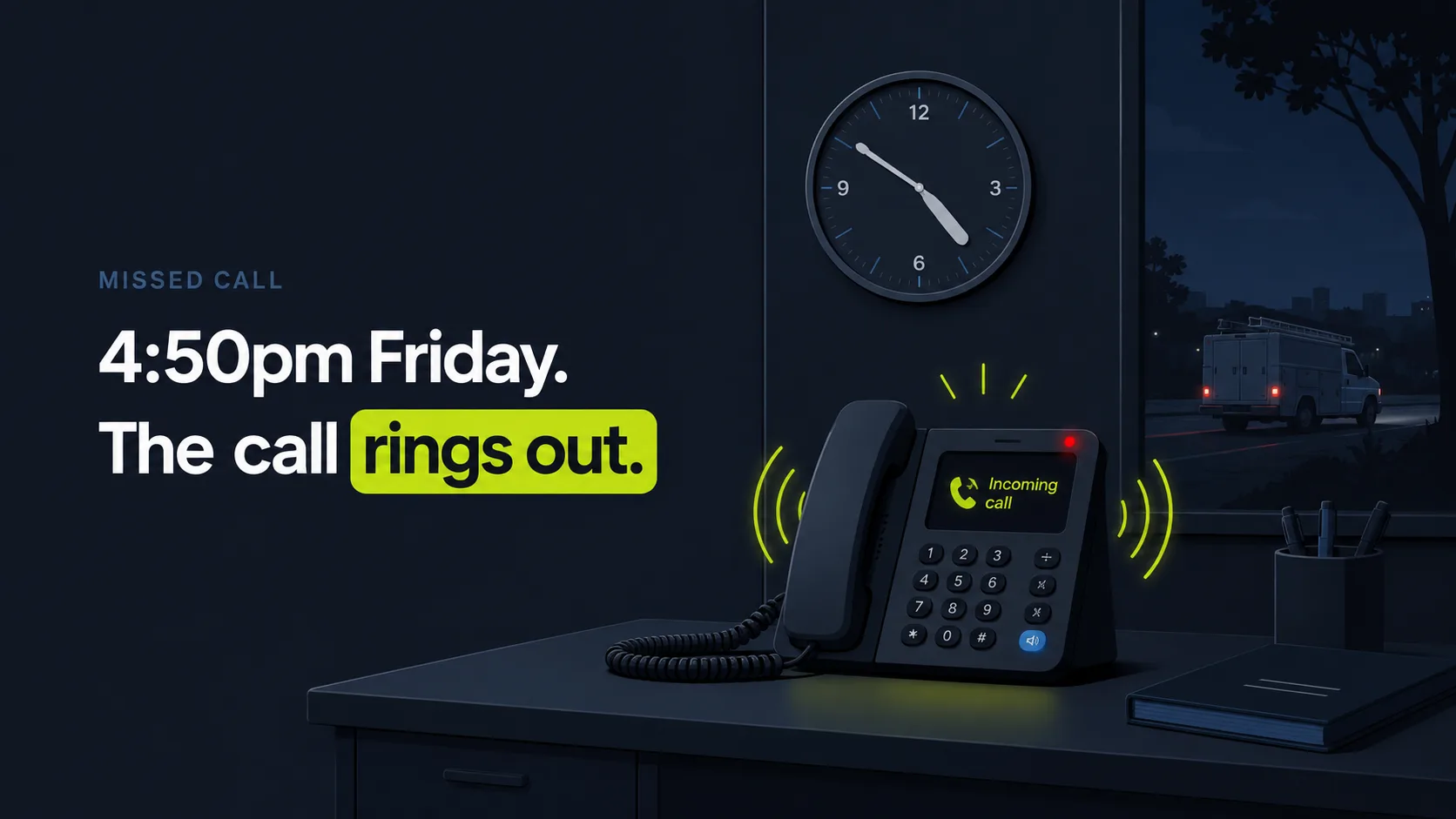
How does a call become a CRM record and a follow-up task?
A call becomes a CRM record through a five-step pipeline: capture, transcribe, extract, log, and trigger. The agent records the conversation, converts it to text, pulls out the caller's name, intent, and outcome, writes that into your CRM, then fires a follow-up task or text, all within seconds. It matters because speed decides outcomes: firms that contact a lead within five minutes are 21 times more likely to qualify it than firms that wait 30 minutes, per Harvard Business Review (2011), and almost no one moves that fast by hand.
Think about what that five-minute window actually demands. Someone has to hear the call, remember the details, type them somewhere, and start the follow-up, all before the homeowner dials the next plumber. A human juggling a job site can't do it. Software can. The pipeline runs the whole sequence before the caller has set the phone down.
Here is the full sequence, in order.
- Capture the call. The system records the inbound or outbound call (with the required consent notice) as the conversation happens.
- Transcribe to text. Speech recognition converts the audio to a written transcript in real time or moments after the call ends.
- Extract the details. AI pulls the caller's name and number, the reason for calling (the intent), and what was decided (the outcome).
- Log the record. It creates or updates the CRM contact or deal, attaches the full transcript and a short summary, and stamps the call details.
- Trigger the follow-up. The system fires the next action: a task assigned to a tech or dispatcher, an SMS to the caller, or an email sequence, based on the tagged intent.
So why does the order matter so much? Because every step that waits on human memory is a step where the lead can die. Automate the chain and the record exists before anyone forgets the call happened.
Citation capsule: AI call transcription to CRM runs a five-step pipeline, capture, transcribe, extract, log, and trigger, so every call becomes a contact record and a follow-up action within seconds. Speed is the payoff: firms that contact a lead within five minutes are 21 times more likely to qualify it than firms that wait 30 minutes, per Harvard Business Review (2011).

Want the wider view first? See how missed-call recovery answers and books every call, then come back to the pipeline below.
What does automatic transcription do for follow-up?
Automatic transcription turns raw calls into follow-up actions by tagging caller intent, logging the outcome, and triggering the right SMS or email sequence, no manual notes required. That closes the gap most shops leak through, because phone calls are the top-rated lead source for 66% of SMBs, per BIA/Kelsey (2014), yet those high-intent calls vanish when no one writes them down or acts on them in time.
The clock is unforgiving here. After a missed response window, 56% of customers immediately try another channel and 28% abandon the purchase entirely, per Nextiva (2025). Read that again. More than half of your callers don't wait. They dial the next name on the list, and a logged call that auto-fires a follow-up is what reaches them before your competitor does.
Here is what transcription does for follow-up, step by step.
- Auto-tags the intent. It labels each call: new lead, quote request, booking, complaint, or existing customer, so the right workflow fires.
- Logs the outcome. It records what happened, booked, needs a callback, sent a quote, not interested, on the contact record.
- Triggers an SMS sequence. A new lead gets an instant text confirming you'll follow up, which beats the voicemail callers ignore.
- Starts an email sequence. A quote request can kick off a templated email with details and a booking link.
- Assigns a task. A tech or dispatcher gets a dated, prioritized follow-up task with the transcript attached, so nothing waits for memory.
Here's the part most owners miss. [UNIQUE INSIGHT] The transcript isn't the product. The trigger is. Most shops already record calls; almost none act on them fast enough. An accurate transcript that sits in a folder changes nothing and books no jobs. The same transcript that auto-fires a text within seconds is what captures the lead, because the window is brutally short and barely anyone hits it. The transcript is the input. The automatic follow-up is the thing that pays you back.
Citation capsule: Automatic call transcription drives follow-up by tagging caller intent, logging the outcome, and triggering an SMS or email sequence with no manual notes. The stakes are high: phone calls are the top-rated lead source for 66% of SMBs, per BIA/Kelsey (2014), and after a missed response window 56% of customers immediately try another channel, per Nextiva (2025).

Once a call is logged, the next job is the calendar. Here is how missed-call recovery turns captured calls into booked jobs automatically.
What should you check before connecting your CRM?
Before connecting your CRM, check three things: integration depth, field mapping, and consent handling. Most major CRMs (HubSpot, Salesforce, Zoho, Pipedrive, GoHighLevel, Jobber, Housecall Pro) connect natively, through Zapier, or via API, but the depth varies. Getting it right matters because AI-using SMBs report real gains: 91% say AI boosts revenue and 90% say it makes operations more efficient, per Salesforce (2025), though that only holds when the data actually lands in the right fields.
Skip the setup and you get a system that looks busy and produces garbage. The table below compares the three connection types so you can pick the right one before you flip the switch.
| Connection type | Setup effort | Speed | Field mapping | Best for |
|---|---|---|---|---|
| Native integration | Low | Instant | Automatic | Shops on a supported CRM that want it to just work |
| Zapier | Low to medium | Slight delay | Manual, simple | Almost any CRM, fast to wire up |
| Custom API | High | Instant | Full control | Heavy customization or an unusual stack |
Now work through this checklist before you go live.
Integration type: native, Zapier, or API
First, confirm how the tool connects to your CRM. A native integration is cleanest: fields map automatically and updates are reliable. Zapier covers most CRMs with a few clicks but can add a short delay. A custom API connection is the most flexible but needs setup help. Pick the deepest option your CRM supports.
Field mapping and deduplication
Next, decide where each piece of data lands. Map the caller name, number, intent tag, outcome, and transcript to specific CRM fields, and set a deduplication rule so a repeat caller updates their existing record instead of creating a duplicate. [PERSONAL EXPERIENCE] Bad mapping is the most common reason a rollout looks busy but produces messy data, and it's the first thing we audit when a shop says the records "look off."
Consent and recording rules
Then handle consent. Many US states require notifying callers that the call is recorded, and some require two-party consent. A TCPA-aware setup plays a consent notice and stores recordings and transcripts securely. We cover the legal side more in the FAQ below, but build consent into the setup, not as an afterthought.
Citation capsule: Before connecting a CRM to call transcription, check integration depth (native, Zapier, or API), field mapping with deduplication, and consent handling. The upside is documented: 91% of SMBs using AI say it boosts revenue and 90% say it improves efficiency, per Salesforce (2025), but only when transcribed data maps cleanly into the right CRM fields.
Curious what clean capture is worth in dollars? Use the missed-call revenue calculator to estimate the value of the calls you capture.
How accurate and private is AI call transcription?
AI transcription is highly accurate on clear calls but degrades on heavy accents, crosstalk, and background noise, and privacy depends on consent and storage. Treat it as a strong assistant, not a perfect court reporter, and keep a human in the loop. That matters because consumer comfort with AI is mixed: 64% of customers would prefer companies didn't use AI in customer service, per Gartner (2024), with the top concern being that it gets harder to reach a person.
This technology earns its keep on clean calls and stumbles on messy ones. Here is where each happens.
Accuracy: where it shines and where it slips
Modern speech recognition handles clear, single-speaker audio very well. It slips on noisy job sites, strong accents, multiple people talking over each other, and industry jargon or unusual names. Picture a homeowner calling from beside a running furnace, half-shouting an address over the noise. That's the hard case. The practical fix is twofold: a summary plus the full transcript, so a tech can verify a key detail, and a confidence flag on uncertain fields like phone numbers. [PERSONAL EXPERIENCE] In our experience, the field that goes wrong most often is the callback number, so we always read it back to the caller and store it as the primary field. A wrong number quietly kills an otherwise perfect follow-up, and you never find out why the lead went cold.
Privacy: consent, storage, and access
On privacy, three things matter: consent notices, encrypted storage, and access controls. Callers should hear that the call is recorded where law requires it, transcripts should be stored securely, and only authorized staff should see them. SkoreFlow's missed-call recovery is built TCPA-aware and GDPR-aware, and your numbers, clients, and call data stay private. For regulated verticals like medical and legal intake, confirm your vendor agreement covers your specific compliance needs before sending real patient or client data through the pipeline.
Citation capsule: AI call transcription is accurate on clear audio but degrades on heavy accents, crosstalk, and noise, so pair it with a summary, confidence flags, and a human check. Keep escalation human, since 64% of customers would prefer companies didn't use AI in customer service and the top concern is not reaching a person, per Gartner (2024).
Accuracy and escalation go together. See how missed-call recovery hands urgent calls to a person so the hard calls still reach your team.
How does SkoreFlow wire transcription into your CRM?
SkoreFlow's missed-call recovery agent answers your calls in 0.4 seconds, transcribes each one, and writes a tagged contact record plus an auto-triggered follow-up into your field-service CRM, on monthly plans from $197 to $697. It fits the follow-up problem precisely, because fewer than 3% of callers sent to voicemail leave a message, per Invoca (2024). A transcribed, logged, instantly-booked call beats a message no one ever left.
Here's how it runs. You keep your existing number. The agent answers, filters spam, runs your script, qualifies the caller, and books the estimate, capturing the name, number, intent, and outcome on the call. After the call it writes a contact or deal record into ServiceTitan, Jobber, Housecall Pro, or Google Calendar, attaches the transcript and a short summary, and fires the follow-up you defined: an instant SMS, an email sequence, or a dated task. Urgent calls patch through to a human, which answers the most common AI objection head-on, since the top consumer worry about AI is not reaching a person, per Gartner (2024).
That last part is the line between SkoreFlow and a traditional answering service like Ruby. A receptionist service takes a message and leaves you to call back, often after the lead has already booked someone else. SkoreFlow books jobs, not messages, and the setup is built TCPA-aware and GDPR-aware. Most shops are live in 48 hours, and the service is backed by a guarantee: 5 booked jobs in 30 days or your setup fee is refunded. Remember the transcript-versus-trigger point from earlier? This is where it lands. The transcript matters far less than the booking it triggers, because a logged call no one acts on is worth exactly the same as a voicemail no one left: nothing.
Illustrative example (representative industry scenario, not a real client): Picture a 6-tech HVAC shop logging about 400 calls a month by hand. Across the manual-note workflows we've reviewed, notes go missing on roughly a quarter of calls and a chunk of leads never get a follow-up at all. Say that's about 40 leads a month with no follow-up. Suppose instant answering plus auto-transcription recovers even 10 of those into booked jobs. At an average HVAC repair ticket near $1,205 in 2025, per Housecall Pro (2025), that's about $12,050 a month, in line with the roughly $14,200 monthly recovery SkoreFlow models for trades, or about $144,000 a year in work that manual notes would have lost. Run your own numbers with the calculator below.
Citation capsule: SkoreFlow's missed-call recovery agent answers in 0.4 seconds, transcribes, and books each call as a tagged CRM record in ServiceTitan, Jobber, or Housecall Pro, escalating urgent calls to a human. It books jobs, not messages, because under 3% of callers sent to voicemail leave a message, per Invoca (2024).
Want your own figures? The missed-call revenue calculator estimates your captured-call revenue and break-even in about a minute. Or book a free call audit, a 20-minute, no-pressure look at the calls you're missing right now, with no obligation to buy anything.
The bottom line: every call logged, every lead followed up
Set up AI call transcription to CRM correctly and no call ends as a forgotten sticky note. The pipeline is simple: capture, transcribe, extract, log, and trigger, so each call becomes a tagged record and an instant follow-up. The deciding fact is speed: firms that contact a lead within five minutes are 21 times more likely to qualify it than firms that wait 30 minutes, per Harvard Business Review (2011), and barely anyone moves that fast by hand.
Remember the Friday water heater that went to a competitor? With the pipeline in place, that call gets answered, logged, and booked before the homeowner ever reaches for the next number. Before you connect, check the integration depth, map your fields cleanly, build consent into the setup, and keep a human in the loop for anything urgent or uncertain. Want to know what your un-followed-up calls are worth? Run the numbers in the calculator, or Book a Free Call Audit, a 20-minute, no-pressure look at the jobs you're missing, and we'll map your recovery for you.
Next step: run the missed-call revenue calculator to estimate your captured-call revenue, or see how missed-call recovery answers, logs, and books every call end to end.
Written by Maksim Skorokhod, Founder of SkoreFlow, who builds AI answering and voice automation for small service businesses. Reviewed for accuracy by Daria Skorokhod, Operations Lead. Last reviewed: 2026-06-07.