What you'll need before you build
You don't need a big stack to start. You need four things, and you need them right. According to the Salesforce State of Sales Report, 6th edition (2024), 81% of sales teams have either fully implemented AI (41%) or are experimenting with it (40%), so the tooling to route and score already lives inside CRMs most teams run. Gather these four pieces before you touch a workflow, because routing is only as good as the data feeding it.
Here's the checklist:
- Clean lead-source data. Know where each lead comes from (form, chat, call, paid ad) and confirm the field actually populates. Routing rules read these values.
- A scoring model, even a simple one. A short list of criteria that separates a hot lead from a tire-kicker. You'll build this in Step 2.
- Rep capacity and territory map. Who can take leads, how many, and which regions or product lines belong to whom.
- HubSpot workflows access. A seat that can create workflows, rotation rules, and properties, plus permission to set up tasks and notifications.
Miss any of these and fix it first. Routing on top of dirty source data just moves the mess faster. Clean fields and an honest capacity map do more for results than any clever rule you could write.
Want to fix the source data first? Start with HubSpot data hygiene with AI, the foundation routing depends on.
How do you set up lead routing automation in HubSpot, step by step?
You set up HubSpot lead routing in six ordered steps: define routing criteria, build a scoring model, set assignment rules, add SLA timers, configure re-routing for stale leads, and alert reps. According to the Lead Response Management Study (Oldroyd / MIT, 2007), firms that contact a web lead within 5 minutes are about 21x more likely to qualify it than those who wait 30 minutes. The whole sequence below exists to win that window.
Follow the steps in order. Each one feeds the next, and skipping ahead, routing before you score, for example, is exactly how leads end up orphaned. Work through all six, then test with a few real leads before you trust it at volume.
Step 1: Define your routing criteria
Start by deciding what determines who gets a lead. Routing criteria are the fields HubSpot reads to make an assignment: territory, lead source, product interest, deal size, or language. Write these down as plain rules first. "Enterprise web demos go to the senior team; everything under 50 employees goes to round-robin." Clear criteria up front prevent the overlap and gaps that cost you later.
Map every likely lead type to a destination. The goal is zero "uncovered" cases. If a lead doesn't match any rule, it must still land somewhere, which is why a fallback owner (covered in Step 3) is non-negotiable. Keep the rule set small at first. You can always add branches once the basics run cleanly.
Step 2: Build a lead scoring model
Score leads before you route them, because the score decides priority and destination. A lead scoring model assigns points based on fit and behavior. Job title, company size, and budget signal fit. Pricing-page visits, demo requests, and email replies signal intent. In HubSpot, build this as a score property, then use thresholds (for example, 60+ is sales-ready) in your routing logic.
Lead scoring criteria examples that work for most teams:
- Fit signals: matches target industry (+10), company size in range (+10), decision-maker title (+15).
- Intent signals: requested a demo (+25), visited pricing twice (+15), opened three emails (+5).
- Negative signals: student or competitor email (-20), out of service area (-15), unsubscribed (-30).
Keep it honest. A model nobody trusts gets ignored, and then routing falls back to gut feel. Review the thresholds monthly against which leads actually closed, and adjust.
Step 3: Set assignment rules (round-robin or territory)
Now assign the scored lead to an owner using a rule, not a person's memory. Two patterns cover most cases. Round-robin lead routing distributes leads evenly across a pool of reps in turn. Territory routing sends leads to the rep who owns that region, industry, or account. HubSpot's rotation and assignment features handle both inside a workflow.
Pick based on your team. Round-robin suits a uniform team chasing fairness and balanced load. Territory suits teams with regional or vertical specialists where context matters. Whichever you choose, you must name a fallback owner: a default person (often a manager or a routing queue) who catches any lead that matches no rule or hits a rep who's out. Without a fallback, unmatched leads become orphans on day one.
Step 4: Add SLA timers
Attach a clock to every assignment. An SLA (service level agreement) timer sets a maximum time a rep has to make first contact, for example, 15 minutes during business hours. In HubSpot, you build this with a date-stamped property at assignment and a workflow that watches for "contacted" before the deadline. The SLA turns "we should call fast" into a measurable, enforceable rule.
Set the window tight, because the data rewards speed hard. According to Harvard Business Review (2011), firms contacting a web lead within 5 minutes are roughly 100 times more likely to make contact than those waiting 30 minutes. A 5-to-15-minute SLA for hot leads is aggressive, but it matches how fast intent fades. Looser SLAs are fine for low-score leads. Just make every tier explicit.
Step 5: Configure re-routing for stale leads
Decide what happens when a rep misses the SLA, because that exact moment is where leads get orphaned. Re-routing automatically reassigns a lead that wasn't worked in time, sending it to a backup rep, a queue, or a manager. Build a HubSpot workflow that triggers when the SLA timer expires with no logged contact, then reassigns the owner and resets the clock for the new person.
This is the safety net that catches the gap between "assigned" and "actually worked." A lead can be assigned and still orphaned, because the owner is on vacation, slammed, or simply forgot. Re-routing assumes that happens and routes around it. Add an escalation step too. If the second rep also misses, the lead goes to a manager with a flagged notification, so nothing falls through twice.
Step 6: Alert reps and confirm the loop
Finally, make sure reps actually know a lead landed. Alerts are the in-app notification, email, mobile push, or Slack message that fires the moment a lead is assigned, so the SLA clock starts against a rep who's aware. A perfect routing rule fails silently if the owner never sees the assignment. Pair every assignment with an immediate, hard-to-miss alert.
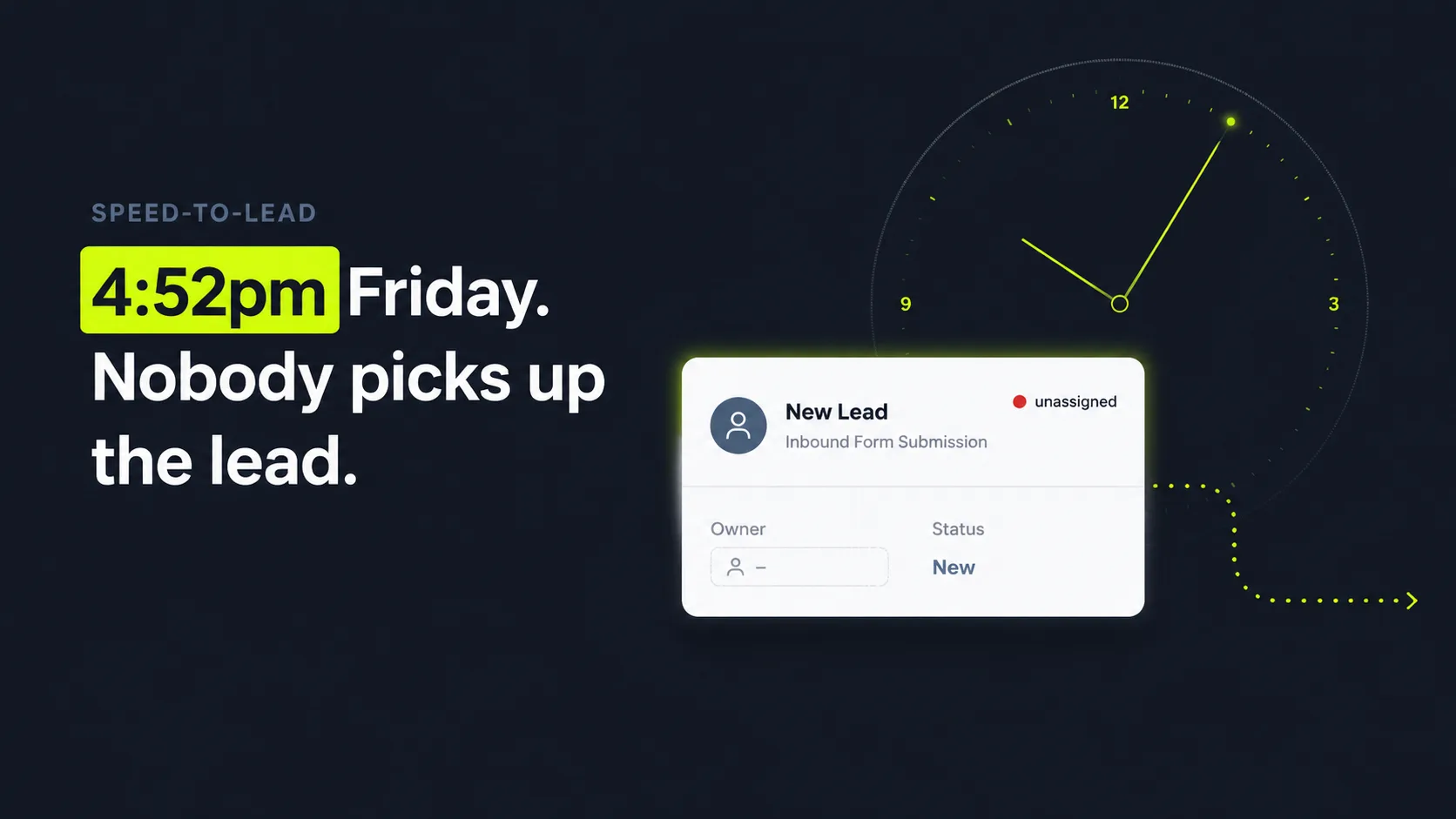
Close the loop by tracking three things on a dashboard: time-to-first-contact per rep, SLA hit rate, and the count of leads that got re-routed. Those numbers tell you whether routing is working or just looking busy. Remember the buyer from the intro, the one who slipped away at 4:52 on a Friday? This dashboard is how you catch the next one before they leave. Test the whole chain with a handful of real leads first, watch one move from capture through alert to logged contact, then turn it on for everyone.
Citation capsule: HubSpot lead routing follows six steps: define criteria, score the lead, assign by round-robin or territory, set an SLA timer, re-route stale leads, and alert reps. Speed is the reason. According to Harvard Business Review (2011), citing the Lead Response Management Study, firms contacting a web lead within 5 minutes are ~21x more likely to qualify it and ~100x more likely to make contact than those waiting 30 minutes.

Curious what slow routing costs you? Run the HubSpot Leak Auditor to estimate the conversations leaking out of your portal.
Why the window is so tight: speed-to-lead by response time
| Response time | Likelihood vs a 30-minute response |
|---|---|
| Within 5 minutes | ~21x more likely to qualify; ~100x more likely to make contact |
| Within 1 hour | ~7x more likely to qualify than waiting an hour longer |
| After 24+ hours | Roughly 60x worse than a 1-hour response |
Source: Harvard Business Review (2011), citing the Lead Response Management Study (Oldroyd / MIT). "Qualify" means entering the sales process; "make contact" means reaching the person at all.
What are the most common lead routing mistakes?
The most common lead routing mistakes are running no SLA, having no fallback owner, and routing before scoring. Each one quietly creates orphaned leads. The cost is real: according to Harvard Business Review (2011), the odds of qualifying a web lead fall about 21x between a 5-minute and a 30-minute response. The gap between best practice and reality is enormous, and most of it is process, not effort.
These three errors show up again and again, and they compound on each other. Fix them in order and most orphaned-lead problems simply disappear.
Mistake 1: No SLA timer
Without a deadline, "fast follow-up" is a hope, not a rule. Leads get assigned and then sit, because nobody is on the clock. An SLA makes the delay visible and creates accountability. We've found that teams who add even a loose SLA, say 30 minutes, see time-to-first-contact drop sharply, simply because the timer makes the wait countable. No SLA means no signal that a lead is going stale.
Mistake 2: No fallback owner
Every routing rule has edge cases. A lead that matches nothing. A rep who's out. A territory with no coverage. Without a fallback owner, those leads land nowhere and become orphans instantly. A single default catcher (a manager or a shared queue) guarantees that no lead is ever unassigned. This one setting, often skipped, prevents the most common orphan of all: the lead that simply didn't fit a rule.
Mistake 3: Routing before scoring
Route before you score and every lead looks equal, so reps can't prioritize and hot leads wait behind cold ones. Score first, then route, so your best leads get your fastest response. Routing speed without scoring is a half-measure. You can assign a junk lead in two seconds and still lose the deal sitting next to it, because the rep burned their 5-minute window on the wrong record. Speed only pays when it's pointed at the right lead. Order matters as much as automation.
Citation capsule: The top lead routing mistakes are no SLA, no fallback owner, and routing before scoring, each of which orphans leads. The stakes are high: according to Harvard Business Review (2011), a firm is about 21x more likely to qualify a web lead at 5 minutes than at 30, so process gaps, not effort, cause most slow responses.

Routing rules only read the data you give them. Keep records clean with HubSpot data hygiene so assignments land on the right values.
How does SkoreFlow surface the orphaned leads your routing misses?
Here's the question good routing can't answer on its own: once a lead is assigned, did anyone actually work it? SkoreFlow adds a read-only control layer over your existing HubSpot, watching what happens to leads after assignment instead of rebuilding your stack. We monitor post-assignment state, SLA breaches, orphaned leads, and routing trust, then flag where pipeline leaks, with the first leak typically found in 24 to 48 hours and no stack changes required. According to the Salesforce State of Sales Report, 6th edition (2024), 83% of AI-using sales teams reported revenue growth versus 66% of teams without AI (roughly 1.3x more likely), so visibility into routing tracks with growth.
The point is to expose the human gap where leads die, without touching the workflows your team relies on. A rep can't watch the queue at 9pm. Can't catch a lead while on another call. Won't always notice an alert in time. Your routing rules handle assignment. SkoreFlow watches whether the lead was actually worked, surfaces the breach when it wasn't, and routes the alert to a manager so someone owns it before the lead ages out.
In our experience reviewing routing for small RevOps teams, the orphaned leads almost never come from bad reps. They come from gaps. A lead that arrives at lunch. A rule with no fallback. A Friday-evening form fill. The reps are doing their jobs; the process has holes. We've found that surfacing those specific gaps, the SLA breaches, the unassigned records, the leads stuck in post-assignment limbo, recovers more pipeline than any amount of pushing the team to "follow up faster." You can't coach your way out of a structural blind spot. You have to see it first.
Illustrative scenario (industry-benchmark model, not a real client): A typical HubSpot portal SkoreFlow reviews surfaces around 47 orphaned leads sitting unworked, with speed-to-lead often falling from roughly 340 minutes to about 8 once breaches get caught and routed, and missed-SLA rates dropping from near 62% toward 4%. Apply the Harvard Business Review (2011) finding, contacting within 5 minutes makes you ~21x more likely to qualify than waiting 30 minutes, and those 47 orphaned leads are mostly-lost conversations every single month. These figures are representative benchmarks, not a guarantee. Model your own portal to see real numbers.
Citation capsule: SkoreFlow runs a read-only control layer over HubSpot, monitoring post-assignment state, SLA breaches, and orphaned leads, finding the first routing leak in 24 to 48 hours with no stack changes. The rationale is direct: per the Salesforce State of Sales Report, 6th edition (2024), 83% of AI-using sales teams reported revenue growth versus 66% without AI, and per Harvard Business Review (2011), contacting within 5 minutes makes a firm ~21x more likely to qualify a lead.
See how leak detection connects to the rest of your funnel with HubSpot outbound orchestration.
The bottom line: routing speed is pipeline insurance
Orphaned leads don't announce themselves. They just quietly subtract from your pipeline every month, and the worst part is that they never show up as a loss. The fix isn't pushing reps to try harder. It's building a routing system where every lead is scored, assigned, timed, and re-routed if it stalls. Speed is the whole game: according to Harvard Business Review (2011), responding within 5 minutes makes you about 21x more likely to qualify a lead than waiting half an hour.
Build the six steps in order. Plug the three common gaps (no SLA, no fallback, routing before scoring). Then add a layer that surfaces the leads still slipping through after assignment, the ones your rules already think are handled. Want to see how many winnable conversations your current portal is losing right now? Find Your First Dead Lead: book a free, no-pressure 20-minute consult and we'll point to a real routing leak, typically within 48 hours, or it's a full refund if we can't.
Next steps: run the HubSpot Leak Auditor to model your numbers, then see how leak detection connects to your full funnel with HubSpot outbound orchestration.
Written and reviewed by Maksim Skorokhod, Founder of SkoreFlow, who builds a read-only HubSpot control layer that surfaces orphaned leads and routing leaks for RevOps and agency teams. Last reviewed: 2026-06-07. See our editorial policy and contact page for how we source and review claims.