What you'll need before you evaluate an AI receptionist
Before you compare a single provider, gather three things: your call volume, your top call types, and the calendar or CRM you actually use. Without these, every demo looks fine, because you're judging the voice instead of the job. This prep matters because phone calls are high-intent: 66% of small businesses rate inbound calls a good or excellent lead source, the top channel, per BIA/Kelsey (2014).
Think about what that 66% means in money. The caller on the line is not browsing. They have a clogged drain, a dead furnace, a problem they want fixed today, and they are ready to pay for it. Lose that call and you don't lose a click. You lose a job. So the prep below is not busywork. It is how you turn a charm contest into a job interview.
Here's the short prep list to bring to every demo:
- Call volume. Monthly call count plus your peak days and hours, so you can test overflow and price the right tier.
- Top call types. The three to five reasons people actually call, so you can test the agent on real scenarios, not scripted ones.
- Calendar and CRM. The exact tools the agent must book into and log to, named by product, so you can verify a real integration exists.
- Your vocabulary. Service names, pricing rules, service area, and the questions you ask every caller, so you can check the agent learns your business.
Building AI answering for service shops, we've found owners who skip this prep judge demos on charm and regret it. The ones who walk in with a real call list spot the weak agents in minutes. "Here's what a flooded-basement call sounds like. Here's a reschedule. Here's a price-shopper who'll bolt if you stall." Hand the agent those three, and the polish falls away fast. The prep is the test.
Citation capsule: Before evaluating an AI receptionist, gather your call volume, your top three to five call types, and the exact calendar or CRM the agent must write into. This prep protects your top lead channel, since 66% of small businesses rate inbound phone calls a good or excellent source of leads, ahead of forms and email, per BIA/Kelsey (2014).
Not sure which service type fits? First compare the receptionist options.
The 10-point AI receptionist checklist
Score every provider against these 10 features, and treat the first two as pass/fail. The list separates a working receptionist from a talking demo, because the gaps only show up under real call load. Speed is the backdrop for all of it: firms that contact a lead within five minutes are 21 times more likely to qualify it than those who wait 30 minutes, per Harvard Business Review (2011). An agent that answers but can't finish the job still loses.
Here is the trap most buyers fall into. They watch a smooth demo, see the agent answer fast, and assume speed equals competence. But answering is the easy part. Finishing the job, booking the slot, routing the emergency, getting the details into your system, that is where the money actually lives. Use the table as a fast scorecard, then read the detail on each item below.
| # | Must-have feature | Pass test |
|---|---|---|
| 1 | Books appointments | Booked a slot live, into your real calendar |
| 2 | Transfers urgent calls to a human | Recognized urgency and warm-transferred with context |
| 3 | Integrates with calendar/CRM | Wrote to your actual tool, not a generic inbox |
| 4 | Works after hours | Answered a test call at 11pm the same way |
| 5 | Sounds natural | Handled interruptions without a robotic loop |
| 6 | Handles your vocabulary | Used your service names, pricing rules, service area |
| 7 | Logs and transcribes calls | Produced a searchable transcript and summary |
| 8 | Transparent pricing | Quoted a clear flat figure, no per-minute surprises |
| 9 | Easy setup | Live in days, not a multi-week professional-services project |
| 10 | Fallback handling | Gracefully recovered when it didn't understand |
1. It books appointments, not just messages
The agent must book directly into your calendar on the call, not take a message for someone to handle later. A message is a delayed lead. A booked appointment is a captured one. This matters because voicemail recovers almost nothing: fewer than 3% of callers pushed to voicemail actually leave a message, per Invoca (2024). Test it by booking a real slot during the demo.
2. It transfers urgent calls to a human
The agent must recognize an urgent or complex call and hand it to a live person cleanly, with context. This is the most important feature on the list. The top consumer concern about AI in customer service is that it gets harder to reach a person, per Gartner (2024). If there's no human handoff, walk away. Test it by asking for a person mid-call.
3. It integrates with your calendar and CRM
The agent must write into the exact tools you already use, your scheduler, your CRM, your field-service software, not a generic inbox you have to re-key. An integration that only emails you a summary isn't an integration. It's homework. Test it by confirming the booking and caller details landed in your real system, correctly tagged, while you watched.
4. It works after hours
The agent must answer the same way at 11pm and on Saturday as it does at noon on Tuesday. After-hours demand is large and varies by trade: restaurants receive 51% of their calls after 5pm, and locksmiths take a meaningful share before 9am or after 5pm, per BrightLocal (2019). Test it with an actual off-hours call, not a daytime promise of 24/7.
5. It sounds natural
The agent should hold a normal conversation, handle interruptions, and not loop robotically when a caller talks over it. Caller trust is fragile: 53% of customers would consider switching to a competitor if they learned a company uses AI for service, per Gartner (2024). Test it by interrupting, changing your mind, and asking an off-script question.
6. It handles your vocabulary
The agent must use your service names, your pricing rules, and your service area, not generic phrasing. A plumber's "hydro jetting" or a clinic's "new-patient exam" should land naturally, and the agent should know you don't serve the next county over. Test it by asking about a service you do offer and one you don't, plus an out-of-area request.
7. It logs and transcribes every call
The agent must produce a searchable transcript and a short summary of each call, automatically. Without logging, you can't audit bookings, settle disputes, or improve the script. Test it by reviewing the transcript of your demo call and checking that name, number, and request were captured accurately.
8. It has transparent pricing
The agent's pricing should be a clear, predictable figure you can read before you talk to sales. Opaque per-minute models hide the real bill. For context, live human receptionist time runs roughly $3.45 to $5.00 per minute when you divide published plans by their included minutes, per Ruby (2026). AI self-serve tiers start far lower, around $95 a month, per Smith.ai (2026). Test it by asking exactly what a busy month costs.
9. It's easy to set up
You should be live in days, with your number, calendar, and script connected, not stuck in a multi-week professional-services engagement. Long, expensive onboarding is a red flag for software that isn't really ready. Test it by asking for a concrete timeline and what you personally have to do versus what they handle for you.
10. It handles fallbacks gracefully
When the agent doesn't understand, it should recover, ask a clarifying question, offer a callback, or transfer, not dead-air the caller or hang up. Fallback handling is where demos quietly fail, because scripts rarely break on the sales call. Test it by mumbling, going off-topic, and asking something genuinely unusual to see how the agent recovers.
Now, here is the part most checklists get wrong: they score all 10 items the same. They aren't the same. Use this grouping when you compare providers. Treat the first two items as pass/fail gates, and score the rest from 1 to 5.
| Scoring type | Checklist items |
|---|---|
| Pass/fail (gate the deal) | 1. Books appointments, 2. Transfers urgent calls to a human |
| Score 1 to 5 | 3. Integrates with calendar/CRM, 4. Works after hours, 5. Sounds natural, 6. Handles your vocabulary, 7. Logs and transcribes, 8. Transparent pricing, 9. Easy setup, 10. Fallback handling |
Items 1 and 2 are not equal to the other eight, and treating them as equal is the classic buying mistake. A receptionist that books beautifully but can't hand off an emergency will eventually trap a panicked caller. And that one call does more brand damage than ten smooth bookings earn. Score the list, but gate the deal on booking and human handoff.
Citation capsule: Score an AI receptionist against 10 features: booking, human handoff, calendar/CRM integration, after-hours coverage, natural voice, your vocabulary, call logging, transparent pricing, easy setup, and fallback handling. Treat booking and handoff as pass/fail, since the top consumer concern about AI is difficulty reaching a person, per Gartner (2024).

Want a number? Estimate what your missed calls are worth.
What are the red flags and common mistakes?
The three biggest red flags are per-minute pricing traps, no human handoff, and no real integration, and any one of them should stop a deal. These are the gaps that don't show in a demo but cost you on a real Tuesday. Caller patience is short, which raises the stakes: 54% of callers hang up after up to eight minutes on hold, per Nextiva (2024). A flawed agent often just recreates the hold-and-hang-up problem in a new costume.
Watch the pricing model first, because this is where the math turns ugly. Per-minute billing looks cheap on the quote and gets expensive on your busiest month, exactly when call volume spikes. For comparison, live answering overage runs $1.90 to $2.30 a minute, per Posh (2026), and the meter climbs fastest when you can least afford it. Do the arithmetic on a storm week, when calls triple and every one bills by the minute, and the "cheap" plan can quietly outrun a salaried hire. A flat monthly plan, AI tiers commonly run $50 to $300, per CloudTalk (2025), keeps your cost predictable when calls surge.
Here are the red flags to refuse, and why each one matters:
| Red flag | Why it's a problem | What good looks like |
|---|---|---|
| Per-minute pricing trap | Bill balloons on your busiest month | Flat, predictable monthly plan |
| No human handoff | Traps urgent callers, damages trust | Clean warm transfer with context |
| No real integration | Re-keying bookings, missed details | Writes into your actual calendar/CRM |
| "Takes messages" only | Delayed leads cool and vanish | Books on the call |
| Daytime-only "24/7" | Misses real after-hours demand | True round-the-clock answering |
| Opaque onboarding | Weeks of setup, hidden fees | Live in days, clear timeline |
Here's the sneakiest mistake of all, and it isn't picking a bad agent. It's testing a good one badly. Most buyers run their test at 2pm on a quiet line with a friendly script, and everything works. But that is not the call that costs you. The real exam is the messy one: a caller who interrupts, changes their mind, asks for a person, and rings in at 9pm while another call is already live. In our experience, agents that ace the calm demo and fail the messy one are the most expensive mistakes, because they pass procurement and then leak jobs silently for months before anyone notices.
Modeled example (industry-based scenario, not a real client): Picture a clinic scoring two AI receptionists against the 10-point checklist. Provider A nails booking, natural voice, and logging but has no human handoff. Provider B scores slightly lower on voice polish but transfers urgent calls cleanly. On a pure feature count, A looks like the winner. Then a caller with an urgent post-op concern hits Provider A and gets stuck in a booking loop with no way to reach a nurse. Missing item 2 flips the verdict: B wins, because a trapped urgent caller is the one failure a practice cannot afford. These are illustrative figures and scenarios, not a measured client result.
Citation capsule: The biggest AI receptionist red flags are per-minute pricing traps, no human handoff, and no real integration. Per-minute models balloon on busy months, while flat AI plans run roughly $50 to $300, per CloudTalk (2025). The stakes are high because 54% of callers hang up after up to eight minutes on hold, per Nextiva (2024).
How does SkoreFlow approach the AI receptionist?
SkoreFlow builds its missed-call recovery agent to pass the checklist's two pass/fail items first: it books jobs into your calendar 24/7 and hands off urgent calls to a human cleanly, then layers on integration, logging, and flat pricing. The design follows the data on caller trust, because 64% of customers would prefer companies didn't use AI in customer service, per Gartner (2024), with the top concern being difficulty reaching a person.
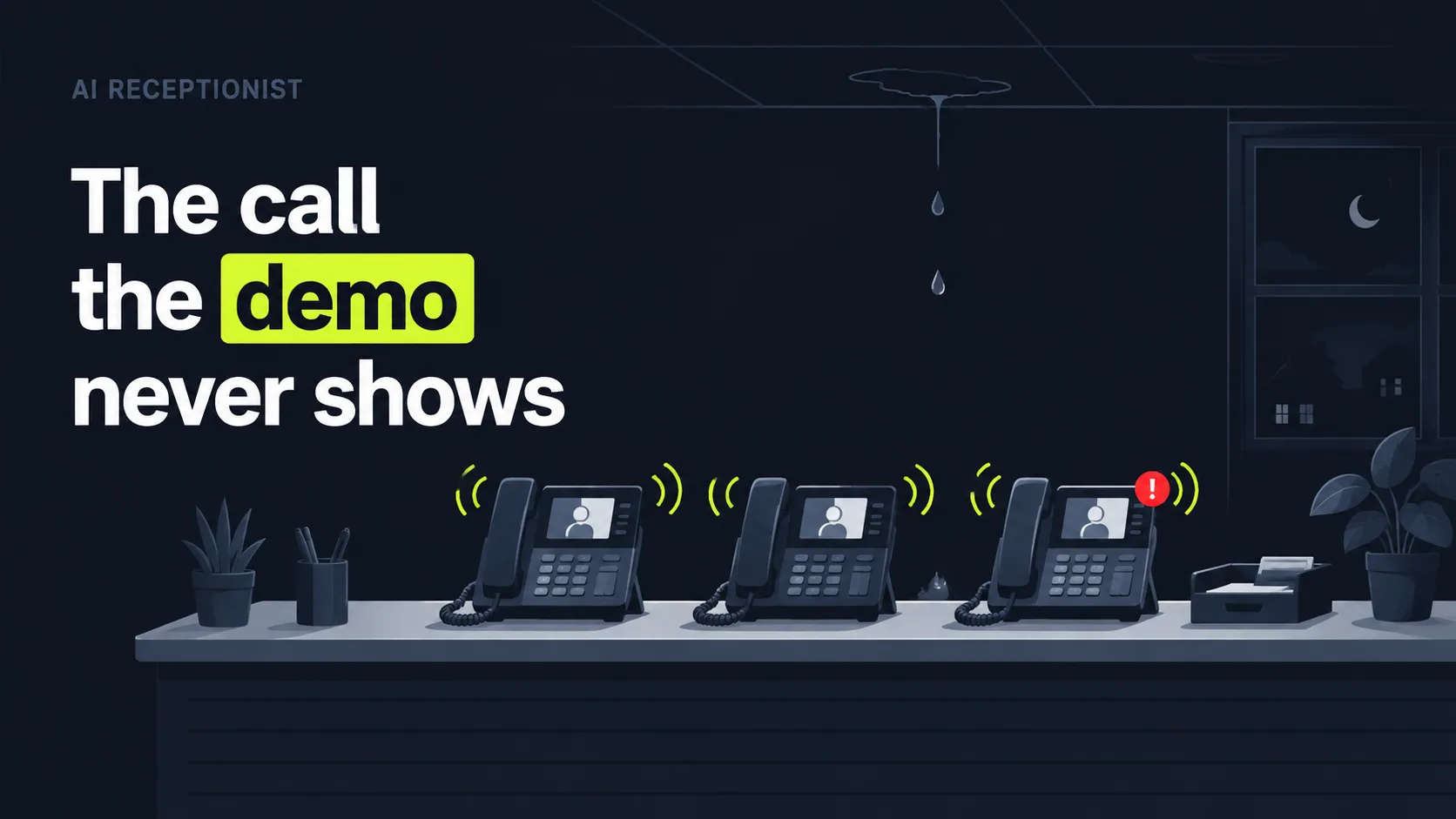
Remember that wet Tuesday from the top of this article, three phones ringing and a ceiling leaking? Here is how that call resolves. The key difference is that the agent books jobs, not messages. Unlike answering services such as Ruby, which take a message and leave you to call back, it answers in 0.4 seconds, filters spam, qualifies the caller, and books the estimate on the call. The leak caller gets a same-day slot. The price-shopper gets qualified. And the panicked emergency gets warm-transferred to your on-call tech, with context, while it still matters. That matches what callers actually want, since 75% of customers prefer or want a scheduled callback over waiting on hold, per Nextiva (2024). You keep your existing number.
Built for home-service trades, the agent learns your vocabulary and writes bookings into the tools you already run: ServiceTitan, Jobber, Housecall Pro, and Google Calendar. It transcribes every call and runs on a flat monthly figure, from $197 to $697 per month depending on call volume, that holds steady on your busiest day. Setup is TCPA-aware and you can be live in 48 hours, backed by a guarantee of 5 booked jobs in 30 days or your setup fee back. You risk nothing on the test that matters: your own messy Tuesday.
Illustrative example (industry-based scenario, not a real client): Imagine a 6-tech HVAC shop whose crews are out most of the day, so a meaningful slice of calls go unanswered, only 37.8% of small-business calls are answered live, per 411 Locals (2016, directional). An agent that passes all 10 items can model a roughly 94% answer rate and recover on the order of $14,200 a month at typical trade ticket sizes. These are representative offer benchmarks, not a measured client result.
Citation capsule: SkoreFlow builds its missed-call recovery agent to pass the two pass/fail checklist items first, booking jobs 24/7 and handing off urgent calls to a human, then adds ServiceTitan, Jobber, and Housecall Pro integration plus flat pricing. The approach follows caller trust data, since 64% of customers would prefer companies didn't use AI in customer service, per Gartner (2024).
Ready for the detail? See the full missed-call recovery service.
The bottom line: score the list, gate on the first two
Buying an AI receptionist comes down to one discipline: don't judge the demo, score the job. Run every provider through the 10-point checklist, booking, human handoff, integration, after-hours, natural voice, your vocabulary, logging, transparent pricing, easy setup, and fallback handling, and test each item on a deliberately messy call. The two items you never compromise on are booking and human handoff, because a trapped urgent caller is the one failure that costs you trust you can't buy back.
The red flags are just as clear: per-minute pricing traps, no handoff, and no real integration. Any of them should stop the deal. Get this right and you stop losing high-intent callers to a dial tone, on a budget far below human-only answering. So put a provider through your own wet Tuesday before you sign, not their quiet 2pm demo. Want to know what recovering your missed calls is actually worth? Run the numbers in the calculator, or book a free call audit, a no-pressure 20-minute review where we map where your phone is leaking jobs.
Estimate your missed-call recovery with the revenue calculator, or book a free call audit to see the full missed-call recovery service.
Written and reviewed by Maksim Skorokhod, Founder of SkoreFlow, who builds AI missed-call recovery and booking for home-service trades. Last reviewed: 2026-06-07.