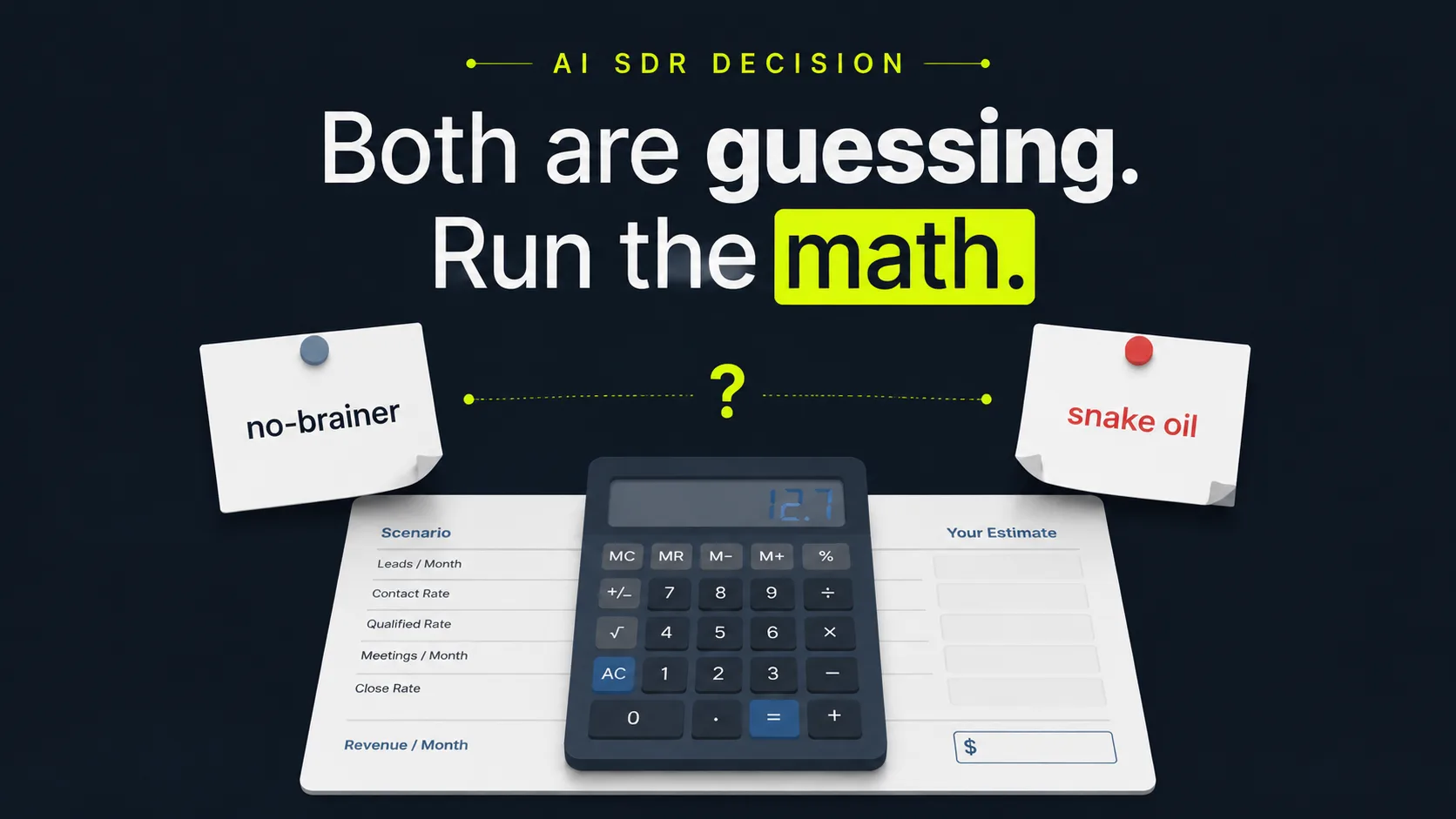
What does the model tell you?
The model's headline output is your payback period: how many months of added pipeline revenue it takes for an AI SDR to cover its own cost. It works because outbound math is predictable. According to Salesforce (2024), 81% of sales teams already use or are testing AI, so whether to automate is no longer the question. The question is whether the numbers work for you.
Run your inputs through the formula and three answers fall out at once.
- Projected new deals per month, from your contact volume, reply rate, meeting rate, and close rate.
- Projected new revenue per month, by multiplying those deals by your average deal value.
- Payback period, by dividing the AI SDR's monthly cost into that new revenue.
The point is to make a tradeoff visible. A human SDR is not cheap to keep busy, and the gap between automated and manual teams is showing up in the results. Salesforce (2024) found 83% of AI-using sales teams reported revenue growth, versus 66% of teams without it. The model shows whether that pattern holds at your numbers, not someone else's. Your numbers matter more than the average here. Hold that thought; we'll come back to why borrowed numbers wreck these models.
Citation capsule: The AI outreach ROI model outputs a payback period: monthly cost divided into projected new revenue. The case for running it is timing, not novelty. Salesforce (2024) found 81% of sales teams now use or are experimenting with AI, and 83% of AI-using teams reported revenue growth versus 66% of teams without it.
Outbound is only half the picture. If inbound calls drive your revenue, the missed-call revenue calculator does the same payback math for the leads that come to you.
What inputs and outputs does the model use?
The model runs on six inputs and returns five numbers, and you can work it on paper in a couple of minutes. The headline output is your payback period, expressed in months. Below are the exact fields, with a note on where to source each one honestly, so your result reflects your pipeline and not a vendor's best-case demo.
Here's the trap to avoid. Vendor demos pick the inputs that flatter the tool. You're going to pick the inputs that match your CRM. That one habit separates a model that lies to you from one you can take to your VP.
Six inputs you provide:
- Monthly contacts, how many prospects you reach per month.
- Reply rate (%), the share of contacts who respond.
- Meeting/booking rate (%), the share of replies that become a booked meeting.
- Close rate (%), the share of meetings that become customers.
- Average deal value ($), revenue per closed deal. Use first-year or lifetime value, just stay consistent.
- AI SDR monthly cost ($), the all-in monthly price of the automation.
Five numbers the model returns:
- New meetings booked per month.
- New deals closed per month.
- New revenue per month.
- Net monthly gain (revenue minus cost).
- Payback period, in months.
Work the inputs top to bottom and the math falls out in order. The next section walks the formula step by step, so you can run it by hand or drop it into a spreadsheet.

How does the math work?
The math is one multiplication chain followed by one subtraction: contacts × reply rate × meeting rate × close rate × deal value gives gross new revenue, and subtracting the AI SDR's monthly cost gives your net gain. No hidden magic. The chain mirrors how outbound actually converts, and every benchmark in it is something you can measure or source, including reply rates, where Belkins (2025) reports a 5.8% average B2B cold email reply rate for 2024.
Here is the formula, step by step, in the order the calculator runs it.
- Replies = contacts × reply rate. Start with how many prospects you reach, then apply the share who respond.
- Meetings = replies × meeting/booking rate. Of those who reply, a fraction agree to a meeting or demo.
- Deals = meetings × close rate. Of the meetings, a fraction become paying customers.
- Gross revenue = deals × average deal value. Multiply closed deals by what each is worth.
- Net gain = gross revenue − AI SDR monthly cost. Subtract the all-in monthly cost of the automation.
- Payback period = AI SDR monthly cost ÷ net new revenue per month. Divide cost into the revenue it produces to get months to break even.
Why one input quietly decides the answer
One number dominates the whole chain: average deal value. Because it multiplies everything above it, a high deal value can make automation pay back in days even at a mediocre reply rate. A low deal value can keep payback out of reach no matter how clever the outreach.
[UNIQUE INSIGHT] Most people open these calculators and start fiddling with the reply rate, because that's the input that feels broken when the answer disappoints. Wrong lever. If your result looks borderline, fix your deal-value assumption first. It swings the answer more than any other input, and it's usually the one people lowball out of caution.
Citation capsule: The AI outreach ROI formula is contacts × reply rate × meeting rate × close rate × deal value, minus the tool's monthly cost. Every input is sourceable. Belkins (2025), analyzing 16.5 million cold emails, found the average B2B cold email reply rate was 5.8% in 2024, down from 6.8% in 2023.
Once the math checks out, the next risk is leakage: replies that get assigned, then stall. HubSpot outbound orchestration is a read-only control layer that watches routing trust, SLA breaches, and orphaned leads in your existing portal, no stack changes required. It typically surfaces the first leak in 24 to 48 hours.

What reply and booking rates should you plug in?
Use conservative, dated benchmarks, then adjust to your own data once you have it. For a starting reply rate, Belkins (2025) found B2B cold email replies averaged 5.8% in 2024, down from 6.8% the year before, based on 16.5 million emails across 93 business domains. Start there, because optimistic inputs are exactly how ROI models lie to you.
Reply rate is only the first conversion. You still need a meeting rate and a close rate, and those vary widely by industry, list quality, and deal size. Treat these starting defaults as a floor, not a promise. So what should you actually type into each field? Here's the short version.
Reply rate
Start at roughly 5 to 6%, matching the Belkins (2025) 2024 average of 5.8%. Highly targeted lists with strong personalization can beat this; cold, broad lists usually fall below it. If you have your own send data, use that instead. A real number from your own outreach always beats an industry average. Always.
Meeting/booking rate
This is the share of replies that turn into a booked meeting. Not every reply is positive, so a portion of your 5.8% will be "no thanks" or out-of-office. We don't seed a benchmark here, because clean, dated replies-to-meetings rates vary too much by list quality and offer to quote responsibly. A cautious default is to assume only a minority of replies convert to meetings, then replace that guess with your own calendar data as soon as you have it. The figure depends on how qualified your list is and how fast you follow up.
Close rate
Your close rate is the share of meetings that become customers, and you almost certainly already know it from your own sales history. Use it. Speed protects it, too. Harvard Business Review (2011) found firms that contact a lead within 5 minutes are 21x more likely to qualify it than firms that wait 30 minutes. An AI SDR that responds instantly defends the close rate you plug in, which is worth more than it looks. We'll show the dollar version of that in the next section.
Citation capsule: For cold-outreach inputs, seed the reply rate near 5.8%, the 2024 B2B cold email average from Belkins (2025), drawn from 16.5 million emails. Then apply your own meeting and close rates, since Harvard Business Review (2011) shows fast response, within 5 minutes, makes a lead 21x more likely to qualify.
Want to pressure-test the reply-rate assumption before you commit? Our guide to AI sales outreach benchmarks breaks down what moves response rates up or down.
How do you act on your result?
Read your payback period against a simple rule of thumb: under three months is a clear yes, three to twelve months is a try-it, and over twelve months means your inputs, usually deal value or close rate, need work before you automate. The reason to act rather than stall is buyer behavior. Gartner (2025) found 61% of B2B buyers prefer a rep-free buying experience, so instant automated outreach increasingly matches how people actually want to buy.
Now do the math on what waiting costs. Say honest inputs put your net gain at $14,000 a month. Every month you sit on the decision is $14,000 of pipeline you chose not to collect. Two quarters of "let's circle back" is $84,000. That's the real price of the Friday-deadline stall, and it never lands on an invoice. Match your result to the band below, then take the matching action.
| Payback period | What it signals | What to do next |
|---|---|---|
| Under ~3 months | The math works at your real numbers | Automate now; waiting only delays revenue |
| ~3 to 12 months | Borderline; one input is dragging | Tighten list quality, follow-up speed, or deal value, then re-run |
| Over ~12 months | The funnel, not the tool, is the problem | Fix close rate or deal value before automating |
What you do next depends on which band your result lands in.
If payback is fast (under ~3 months)
Move. A short payback means the math is working at your real numbers, and waiting only delays the revenue. The broader trend backs you up here: Salesforce (2024) found 83% of AI-using sales teams reported revenue growth, versus 66% of teams without AI.
If payback is borderline (~3 to 12 months)
Tighten one input before deciding. Improving list quality lifts reply rate; faster follow-up protects close rate; a more accurate, often higher, deal value frequently fixes the whole picture. Re-run the calculator after each change and watch the payback shift. Change one thing at a time, or you won't know which lever moved it.
If payback is slow (over ~12 months)
Don't automate yet. Fix the funnel. A long payback usually signals a low deal value or a weak close rate, not a tooling problem. Automation amplifies whatever conversion you already have. It can't manufacture conversion that isn't there.
Remember the borrowed-numbers warning from earlier? Here's where it pays off. [PERSONAL EXPERIENCE] In our experience helping teams orchestrate outreach in HubSpot, the outcome people dread, "the AI didn't pay back," almost always traces to one of two inputs: a deal value entered too low out of caution, or a reply rate borrowed from a top-performing case study instead of their own sends. Honest inputs, a close rate pulled from your CRM, and a deal value that reflects lifetime rather than first invoice usually turn a "no" into a "yes." The model wasn't wrong. The numbers fed to it were someone else's.
Illustrative example (industry-based scenario): Picture a small B2B services team running an AI SDR over 2,000 contacts a month. Apply a conservative 5% reply rate (Belkins 2025 reports 5.8% for 2024), so 100 replies. Assume 20% of replies book a meeting (20 meetings), and a 25% close rate (5 new deals). At a $3,000 average deal value, that's $15,000 in new monthly revenue. If the AI SDR costs $1,000 a month, net gain is $14,000 and payback is well under one month. These are illustrative inputs, not a guarantee; swap in your own and the result changes.
Citation capsule: Act on your payback band: under three months, go; over twelve, fix deal value or close rate first. The trend supports automating instant outreach. Gartner (2025) found 61% of B2B buyers prefer a rep-free buying experience, and Salesforce (2024) found 83% of AI-using teams grew revenue versus 66% without.
When the band says go, the next step is making sure no qualified reply leaks before it reaches a rep. HubSpot outbound orchestration is a read-only control layer for HubSpot-first agencies, RevOps teams, and B2B service teams. It watches post-assignment state, SLA breaches, orphaned leads, and routing trust without changing your stack. Plans run $297 to $997/mo, and the guarantee is plain: catch a real routing leak in 48 hours or a full refund. Find Your First Dead Lead in a 20-minute, no-pressure walkthrough of your pipeline.
In a representative HubSpot portal, orchestration surfaces roughly 47 orphaned leads, pulls speed-to-lead from about 340 minutes down to 8, and cuts missed SLAs from around 62% to 4%. Those are illustrative benchmark figures, not a specific customer result; your portal sets your own numbers.