What you'll need before you automate
Get four things in place before you automate anything, because AI multiplies whatever you point it at, good process or bad. The prep is what keeps automation from scaling your mistakes. Outbound is already getting harder: average B2B cold email reply rates fell to 5.8% in 2024, down from 6.8% the year before, per Belkins (2025). Automating a weak motion just sends more weak outreach, faster.
Run the math on that for a second. If your list is half wrong, doubling your send volume doesn't double your meetings. It doubles the number of buyers who get a message with the wrong name and quietly mark you as spam. You don't get those names back. So the setup below is not bureaucracy. It's the difference between a machine that prints pipeline and a machine that burns your domain reputation.
Here's the short list:
- A CRM as the source of truth. A clean system (HubSpot or similar) where every lead, status, and owner lives, so automation has one record to read from and write to.
- A data and enrichment source. A reliable provider for firmographic and contact data, plus an enrichment tool that fills gaps (title, company size, email) automatically.
- An AI outreach tool. Software that can draft personalized first-touch messages, run multi-step sequences, and detect replies across email and other channels.
- Written qualification rules. A clear definition of a sales-qualified lead (SQL): the criteria, the disqualifiers, and the handoff trigger, so the AI knows what "ready for a rep" actually means.

How do you automate SDR workflows step by step?
Automate the workflow in six ordered steps, because each one feeds the next: bad enrichment ruins targeting, bad targeting ruins messaging, and so on down the line. Adoption is already mainstream, about 81% of sales teams now use or are experimenting with AI, per Salesforce (2024). The difference between teams that book more meetings and teams that get blocked is how cleanly they sequence these steps and where they keep a human in the loop.
Think of it as an assembly line, not a buffet. You can't pick step four and skip steps one and two. The leads that come out the far end are only as good as the data that went in at the start. Get the order right and the whole thing compounds. Get it wrong and you'll feel productive for six weeks, then wonder why the calendar is empty.

1. Automate lead research and enrichment
Start here, because everything downstream depends on the data. Point an enrichment tool at each new lead so it fills in title, company size, industry, and a verified email or phone the moment a record is created. AI can also pull recent signals, a funding round, a new hire, a tech change, and attach them to the record. This is the work that eats an SDR's morning, and it's the easiest to automate cleanly.
The reason to automate research first is pure return on time. Buyers spend only about 17% of their buying journey meeting with potential suppliers, per Gartner (2023). Read that again. Eighty-three percent of the buying journey happens without you in the room. So the minutes you do get are precious, and no rep should burn them digging for a job title a tool can fetch in a blink.
Citation capsule: B2B buyers spend only about 17% of their total buying journey meeting with potential suppliers, per Gartner (2023). Automating lead research and enrichment, filling in title, company size, verified contact details, and recent buying signals the moment a record is created, frees reps to spend those scarce buyer minutes on live conversations instead of manual data lookup.
2. Build target lists automatically
Build lists from rules, not hunches. Define your ideal customer profile in the CRM (industry, headcount, region, role) and let automation pull matching, enriched records into a working list as they appear. Set filters that exclude existing customers, open opportunities, and recent contacts, so reps never get a list that re-touches someone mid-deal. The list should refresh on its own as new leads meet the criteria.
A rules-based list is also auditable, and that's the underrated benefit. When a campaign flops, you don't have to guess. You open the filter, see exactly which segment it pulled, and fix the rule. A hand-built spreadsheet gives you nothing to debug. It just disappoints you and keeps its secrets.
3. Generate first-touch messaging
Let AI draft the opening message, then keep a human eye on it. Feed the enriched record into your outreach tool and have it produce a personalized first touch that references the prospect's role, company, or a recent signal, not a mail-merge with a first name slotted in. This is where automation saves real hours, because writing a fresh opener for every prospect is slow and the quality drifts as reps tire.
[PERSONAL EXPERIENCE] In our experience, AI-drafted first touches work best as a strong first draft a rep approves, not as send-and-forget. The model gets you 80% there in seconds. The rep adds the one specific detail that makes it land: the line about the prospect's recent product launch that no template could have known. That split, machine for speed, human for the hook, is what keeps reply rates up while outreach scales. Speed without the hook is just faster noise.
4. Run multi-touch sequencing
Put follow-up on autopilot so no lead drops between touches. Load the approved messages into a multi-step sequence that fires on a schedule, spacing touches a few days apart across email and other channels, and stops the instant someone replies. Follow-up is exactly where humans fall short. They forget. They get busy. They tell themselves they'll circle back Friday. A sequence never forgets, never gets busy, and never waits for Friday.
That discipline is the whole point. One or two touches rarely land when reply rates sit near 5.8%, per Belkins (2025). The sequence also enforces consistency: every lead gets the same patient cadence, not just the ones a rep happened to remember on a slow afternoon. Memory is a terrible CRM.
Citation capsule: Average B2B cold email reply rates fell to 5.8% in 2024, down from 6.8% the prior year, per Belkins (2025). Running follow-up as an automated multi-touch sequence, spaced across channels and stopped on any reply, ensures every lead gets a consistent cadence instead of the handful a busy rep happens to remember.
5. Auto-qualify replies
Let AI triage inbound replies before a rep ever sees them. When a prospect responds, have the tool read intent and sort it: interested, not now, wrong person, unsubscribe, or out-of-office. Positive replies get flagged and routed. Auto-replies and clear nos get handled or suppressed, so reps aren't sifting through noise. This is the step that turns volume into focus, because the bottleneck was never sending. It was separating real interest from clutter.
Demand for this kind of self-serve front end is real. About 61% of B2B buyers say they'd prefer a rep-free buying experience, per Gartner (2025). Handling early replies cleanly with AI doesn't read as cold to them. For a growing majority, it's how they want to start.
Citation capsule: About 61% of B2B buyers say they'd prefer a rep-free buying experience, per Gartner (2025). Auto-qualifying replies, sorting interested, not-now, wrong-person, and unsubscribe before a rep sees them, matches that preference and turns raw reply volume into a short list of conversations worth a human's time.
6. Route SQLs to reps instantly
Close the loop by handing sales-ready leads straight to a rep, fast. When a reply meets your SQL rules, the workflow should assign it, notify the rep, and surface the full context, the request, the enrichment, the reply, in one place, with no manual reassignment. Speed here is the whole game: contacting a web lead within 5 minutes makes a firm 21x more likely to qualify it and 100x more likely to connect than waiting 30 minutes, per Harvard Business Review (2011).
[UNIQUE INSIGHT] And here's the quiet failure I promised you up top. The handoff is where most "AI SDR" builds die, not the messaging. We've watched teams automate research, lists, and sequencing beautifully, then drop the hot lead into a generic queue a rep checks twice a day. All that speed upstream evaporates at the finish line. A warm reply that waited four hours is just a cold lead with good manners. Instant, context-rich routing is what cashes in everything the other five steps earned.
Not sure which software covers each step? See how to pick the right tools for a lean SDR outreach stack.
What should you NOT automate?
Don't automate the parts of selling that require judgment, empathy, and live problem-solving, namely discovery calls, complex objection handling, and closing. About 64% of customers would prefer companies didn't use AI in customer service, per Gartner (2024). The human moments are exactly where you keep a human, because a bot in the wrong seat costs you the deal.
Discovery calls. Understanding a prospect's real situation, the unsaid context, the priorities behind the stated ask, is a human skill. A buyer says "we need reporting." What they mean is "my boss is breathing down my neck about a number." AI can prep the rep with research. The rep reads between the lines.
Complex objection handling. When a prospect pushes back on price, timing, or fit, they want a person who can think on their feet and adapt. A scripted bot here erodes trust at the worst possible moment, right when the deal is teetering and one good answer would have saved it.
Closing. Asking for the commitment, negotiating terms, and reading hesitation in real time is the rep's job. That pause before someone says yes carries everything. This is the high-value work all the automation upstream exists to protect.
Here's the line we draw: automate the work that's repetitive and rule-based, keep humans on the work that's relational and judgment-based. Research is repetitive. A discovery call is relational. The whole point of automating the first is to give reps more time for the second, not to replace it. You're not building a robot salesperson. You're building a robot intern so the salesperson can sell.
Citation capsule: About 64% of customers would prefer that companies didn't use AI in their customer service, per Gartner (2024). That's why discovery calls, complex objection handling, and closing stay human: automate the repetitive prep, keep a real rep on the relational, judgment-heavy moments that build trust and win the deal.
Automate vs keep human, side by side
A quick reference for where the line falls. Print it. Tape it above the SDR's monitor. The split is the strategy.
| Stage | Automate it | Keep it human | Why |
|---|---|---|---|
| Lead research and enrichment | Yes | No | Repetitive lookup; a tool does it instantly and never tires |
| Target list-building | Yes | No | Rule-based and auditable; humans guess, filters don't |
| First-touch drafting | Draft only | Rep approves and adds the hook | Machine for speed, human for the line that lands |
| Multi-touch sequencing | Yes | No | Follow-up discipline is where memory fails and software wins |
| Reply triage | Yes | No | Sorting intent at volume is exactly an AI strength |
| Discovery call | No | Yes | Reading the unsaid need is judgment, not pattern-matching |
| Objection handling | No | Yes | Thinking on your feet builds trust a script can't |
| Closing | No | Yes | The high-value moment all the automation exists to protect |
What are the common mistakes when automating SDR work?
The most common mistake is automating on top of messy data, which just scales bad outreach to more people, faster. Patience for sloppy contact is thin, and the cost compounds quietly. The errors below are the ones that sink AI SDR builds, and almost all of them are about sequence and handoff, not the tools themselves. The tools are usually fine. The order is usually backwards.
Automating before the data is clean. If your CRM is full of duplicates, wrong titles, and dead emails, automation sends wrong-name, wrong-company messages at volume. You don't just waste sends. You teach inbox providers that your domain ships junk. Fix and enrich the data first, then automate on top of it.
No human handoff. Routing every reply, including the warm, ready-to-talk ones, into an automated loop with no clean handoff is how you waste real interest. That's the most expensive mistake on the list, because it kills the leads you already won. Build the SQL handoff before you build the sequencing.
Over-automating the human steps. Letting AI run discovery or handle objections to "save time" backfires the moment a prospect feels handled by a bot. Keep AI on prep and triage, not on the live, relational conversation. Saving ten minutes to lose a deal is not a saving.
Set-and-forget messaging. Loading AI-drafted copy once and never checking reply rates means the motion drifts and you don't notice for a month. Review per-step performance and refresh messaging that's stopped landing. A sequence that worked in March can be invisible by June.
The pattern we keep running into: teams rush to automate sending because it feels productive, and skip the unglamorous work of cleaning data and defining the SQL handoff. Six weeks later they've fired thousands of touches and booked almost nothing, because the lists were dirty and the warm replies had nowhere clean to land. The dashboard looked busy. The pipeline was empty. Order the build the other way around, and the same effort prints meetings instead of activity.
Citation capsule: Firms that contact a web lead within 5 minutes are 21x more likely to qualify it and 100x more likely to connect than firms that wait 30 minutes, per Harvard Business Review (2011). The biggest AI SDR mistakes, dirty data and a missing human handoff, destroy that speed advantage by sending bad outreach fast and dropping warm replies into a queue no one watches.
For a deeper diagnostic, see why AI SDR projects fail and how to fix each cause.
How does SkoreFlow protect the SDR handoff in HubSpot?
SkoreFlow watches the part of the SDR motion most tools ignore: what happens after a lead is assigned. Its HubSpot Outbound Orchestration is a read-only control layer for HubSpot-first teams. It monitors post-assignment state, SLA breaches, orphaned leads, and routing trust, then flags every dead lead before it goes cold. No stack changes. No sending on your behalf. It watches the seam where speed leaks out.
Remember the quiet failure from step six? This is where you catch it. The handoff is where speed dies, and speed is the entire game. Salesforce found 83% of sales teams using AI saw revenue growth versus 66% of those without, per Salesforce (2024). Contacting a lead within 5 minutes makes a firm 21x more likely to qualify it, per Harvard Business Review (2011). A lead that sits unassigned for hours has already thrown that edge away.
[PERSONAL EXPERIENCE] Building these control layers for HubSpot-first agencies and RevOps teams, we've found the durable win comes from catching the leads that quietly fall through routing, not from sending more. Everyone stares at send volume while the warm replies leak out the side. SkoreFlow sits read-only on top of your existing stack, surfaces the first routing leak in 24 to 48 hours, and keeps watching SLA tiers so warm leads never rot in a queue no one owns. The build is TCPA-aware, and your numbers, clients, and data stay private.
Representative scenario (industry benchmark, not a real client): A HubSpot-first agency runs clean outbound, yet leads still stall after assignment. In SkoreFlow's benchmark models, a single portal carries roughly 47 orphaned leads, speed-to-lead can fall from about 340 minutes to 8 minutes, and missed SLA rates drop from around 62% to 4% once routing is monitored. These are illustrative benchmark figures, not measured results from a named customer. The point isn't the exact numbers. It's how much warm pipeline is sitting in plain sight, unowned.
SkoreFlow's HubSpot Outbound Orchestration runs from $297/mo ($997 setup) for a single portal up to $997/mo for agencies managing up to ten client portals, and it carries a plain guarantee: catch a real routing leak in 48 hours, or you get a full refund. You find the leak, or you don't pay. That's the whole deal.
Citation capsule: Salesforce found 83% of sales teams using AI saw revenue growth versus 66% without it, per Salesforce (2024). SkoreFlow's read-only HubSpot Outbound Orchestration monitors post-assignment state, SLA breaches, and orphaned leads, surfacing the first routing leak in 24 to 48 hours so sales-ready leads reach a rep while they still convert.
Want to size the leak first? Use our AI Outreach ROI and HubSpot Leak Auditor tools to estimate what stalled leads are costing you.
Put reps back on the conversations that close
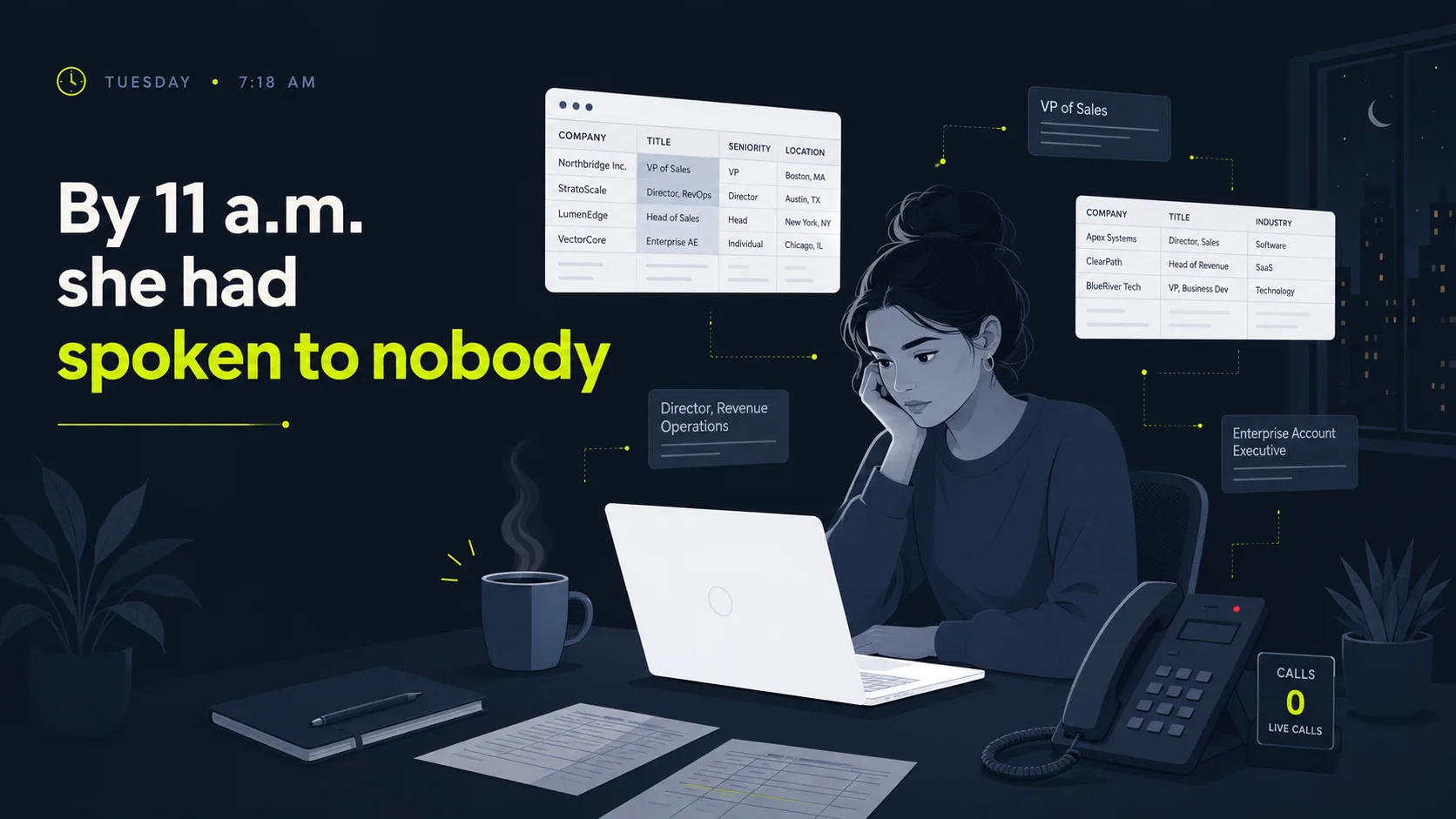
Back to that Tuesday morning. Same SDR, same forty accounts, but now the spreadsheet fills itself, the list builds from rules, and the opener is drafted before her coffee cools. By 11 a.m. she's on her third live call. The takeaway is simple: automate the SDR grind, keep humans on the selling. Build it in order, enrich the data, build lists from rules, draft first touches with AI, run the sequence, auto-qualify the replies, and route sales-ready leads to a rep in seconds. Leave discovery, objection handling, and closing to people. Skip the data cleanup or the handoff, and automation just scales the mistakes.
You don't have to choose between speed and a human touch. A well-built AI SDR workflow does the repetitive work instantly and steps aside the moment a real conversation starts. The handoff is where most of that speed quietly leaks away, and it's the cheapest leak to fix, because the leads are already warm. Want to see where warm leads stall after assignment in your HubSpot portal? Find Your First Dead Lead with a free, 20-minute audit, no pressure, and we'll surface the first routing leak within 48 hours, or you don't pay.
Next steps: see the full HubSpot orchestration approach for how the read-only control layer fits on top of your stack, then learn how to avoid the traps that sink AI SDR projects.
Written and reviewed by Maksim Skorokhod, Founder of SkoreFlow, who builds AI automation and HubSpot lead-routing oversight for small teams. Last reviewed: 2026-06-07.