How does SIP connect voice AI to your existing lines?
SIP connects voice AI to your lines by pointing your existing SIP trunk at the AI agent instead of, or alongside, your desk phones. When a call arrives, your provider routes the audio over SIP to the agent, which answers, talks, and acts in real time. This works without new hardware because everything runs over your internet connection, and that capacity matters: according to Invoca (2024), 27% of calls to home-services businesses go unanswered, which is exactly the overflow an AI agent is built to catch.
Think of your SIP trunk as a freeway on-ramp that's already pouring traffic into your shop. Today, most of that traffic exits straight into voicemail. Adding an AI agent doesn't rebuild the freeway. It just opens another lane that's always staffed. No copper, no new box on the wall, no truck roll. The agent registers as one more endpoint on the trunk you already pay for, then answers the calls you tell it to.
So how does the wiring actually happen? Here is the connection sequence, in order.
- Confirm your SIP trunk. Check that your phone provider gives you a SIP trunk (most VoIP systems do) and how many concurrent channels it includes.
- Get your SIP credentials or BYOC details. Collect the trunk's hostname, username, and password, or the IP authentication your provider uses.
- Register the AI agent on the trunk. Point the agent at your trunk so your provider recognizes it as an endpoint that can answer calls.
- Map your DID numbers. Tell the trunk which inbound numbers (DIDs) should ring the AI agent versus your existing phones.
- Set the routing rules. Decide what the agent answers: all calls, after-hours only, or overflow when your team is busy.
- Test and set failover. Place test calls, then define a fallback (voicemail, forward to a cell, or a human) if the agent is unreachable.
Citation capsule: A SIP-connected AI voice agent answers calls by registering on your existing SIP trunk, then routing chosen DID numbers to the AI over IP, no new hardware needed. The capacity it recovers is real: 27% of calls to home-services businesses go unanswered, per Invoca (2024), and voicemail rarely brings them back.

Related reading: how AI handles a full call queue end to end.
SIP trunk vs keeping your number: porting, forwarding, and BYOC
You almost never have to give up your number to add an AI agent. You have three common paths, and the right one depends on how your provider is set up and how much you want to consolidate. Here's why keeping the number isn't optional: it's painted on your trucks, printed on your invoices, plastered across your Google reviews, and it's the line that rings at the worst hours. According to BrightLocal (2019), restaurants receive 51% of their calls after 5pm and locksmiths get 42% before 9am or after 5pm, exactly the hours your team isn't on the phone.
Lose that number and you don't just change a phone setting. You orphan a decade of word of mouth. The good news: you won't have to. Here is how the three options compare.
| Option | What it does | Keep your number? | Best when |
|---|---|---|---|
| Call forwarding | Forward your existing number to the AI agent's number, full-time or conditionally | Yes, no porting needed | You want the fastest setup or a quick trial |
| Number porting | Move your number to the AI platform or a new SIP provider | Yes, but a one-time transfer | You want one consolidated system and billing |
| BYOC (bring your own carrier) | Keep your current carrier and trunk; connect the AI as an endpoint on it | Yes, nothing moves | You want to keep your provider, rates, and contracts |
When call forwarding is the simplest start
Call forwarding is the lowest-commitment path. You set your existing line to forward to the AI agent, either always or only when unanswered, busy, or after hours. Nothing ports, nothing changes with your carrier, and you can switch it off in minutes. It is the right choice for a trial or for overflow-only coverage. The minor trade-off is one extra hop in the call path, which we cover in the latency section.
When BYOC keeps you in control
BYOC suits businesses that want to keep their carrier, their negotiated rates, and their existing contracts. Instead of moving anything, you authorize the AI platform as an endpoint on your current SIP trunk. You keep your provider relationship; the agent just becomes another device that can answer. This is the cleanest option when you have a phone system you like and only want to add answering muscle.
Citation capsule: To add an AI voice agent without losing your number, choose call forwarding (fastest), number porting (consolidation), or BYOC (keep your carrier). Keeping the number protects after-hours demand: restaurants get 51% of calls after 5pm and locksmiths 42% before 9am or after 5pm, per BrightLocal (2019).

Learn more about how to get or keep an AI-ready phone number.
What do you need from your phone provider?
You need three things from your provider before an AI agent can answer over SIP: compatible audio codecs, enough concurrent channels, and at least one DID number. Most modern VoIP providers supply all three, but the specifics decide whether calls connect cleanly and how many the agent can take at once. Get this wrong and the rush you wanted to catch hits a busy signal anyway, and busy signals don't call back. Demand spikes outside business hours, where a majority of service calls in some verticals arrive, per BrightLocal (2019).
Picture the call that decides it. A roof is leaking during a Sunday storm, the homeowner is dialing fast, and three of your competitors are already on speaker. Whoever picks up first wins the job. Walk through this checklist with your provider so that "first" is you.
Codecs: how the audio is encoded
A codec is the method used to compress and transmit call audio. Ask whether the trunk supports common codecs like G.711 (high quality, more bandwidth) and G.722 or Opus (wideband, clearer voice). The AI agent and your trunk must share at least one codec, or the audio won't pass. Most providers default to G.711, which works well for AI voice if your internet has the headroom.
Concurrency: how many calls at once
Concurrency, the number of channels on your trunk, sets how many calls the agent can handle simultaneously. A two-channel trunk answers two callers at a time; a third caller hits busy or failover. Match channels to your peak call volume, not your average, since the whole point is catching the rush you currently miss. That rush is bigger than most owners think: one call-monitoring study found only 37.8% of small-business calls are answered by a live person, per 411 Locals (2016). Run the math on it. If six in ten calls go unanswered and each booked job clears a few hundred dollars, the missed channels aren't a phone problem. They're a payroll-sized leak. Adding channels on SIP is usually cheap and fast.
DID numbers and authentication
A DID (direct inward dial) is a phone number that routes straight to a specific endpoint. You need at least one DID pointed at the AI agent, plus the trunk's authentication method, either SIP credentials (username and password) or IP-based authentication. Confirm both, and ask whether the provider allows registering an external endpoint, since some locked-down systems do not.
Citation capsule: To connect an AI voice agent over SIP, your provider must support shared audio codecs (like G.711 or Opus), enough concurrent channels for peak volume, and at least one DID number with SIP or IP authentication. Most modern VoIP carriers supply all three; the channel count is the variable that decides how much demand you can actually capture.
Use the missed-call revenue calculator to estimate the calls you could capture and their value.
What are the latency, call quality, and failover limits?
SIP adds a small amount of latency because audio travels over the internet, but on a healthy connection it stays well within the range humans perceive as a normal call. The standard is specific: the ITU-T recommends one-way mouth-to-ear delay under 150 ms for good call quality, per ITU-T Recommendation G.114 (2003). Weak internet, too few channels, or a downed connection all degrade that, and a long hold loses the caller, so the failover plan matters as much as the connection.
This is the part most people quietly dread, the fear that an AI on the line will sound like a robot talking through a tin can. Fair worry. So let's take it apart, one limit at a time, because the reality is friendlier than the fear.
Latency: what is acceptable
The benchmark is well defined. The ITU-T recommends one-way mouth-to-ear delay below 150 ms for good voice quality, per ITU-T Recommendation G.114 (2003), and noticeable lag starts when the connection is congested or the route is long. An AI agent adds its own short "thinking" delay on top of the network delay, so the audible pause comes more from the AI's response time than from SIP itself. A wired connection and adequate upstream bandwidth keep both in check.
Call quality: the usual culprits
Call quality on SIP depends mostly on your network, not the protocol. The common culprits are jitter (uneven packet timing), packet loss, and insufficient bandwidth, which produce choppy or robotic audio. The fixes are ordinary IT hygiene: a wired or strong connection for the call path, quality-of-service prioritization for voice traffic, and a codec matched to your available bandwidth. Test under load, not just on a quiet line.
Failover: what happens when something breaks
Failover is where most AI phone setups quietly fail, and it has nothing to do with the AI. If the internet drops or the agent is unreachable, the call has to land somewhere. A solid configuration defines a cascade: try the AI, then forward to a cell or a human, then drop to voicemail or an SMS callback, never a dead line. The platforms that handle this well treat the AI as one layer in a chain, not a single point of failure. Decide your fallback before launch, not after a storm knocks out your connection. Here's the thing about that storm: it's also your biggest call night. The night the power blinks is the night the basement floods and the furnace dies. A failover cascade is what keeps that night from becoming a night of missed jobs.
Citation capsule: SIP adds minor latency that stays imperceptible on a healthy connection; the ITU-T recommends keeping one-way delay under 150 ms, per ITU-T Recommendation G.114 (2003). Call quality depends on jitter, packet loss, and bandwidth, and a failover cascade is essential so a dropped or stalled call never costs you the lead.
How does SkoreFlow connect to your phone system?
SkoreFlow connects its missed-call recovery voice agent to your phone system over SIP, using whichever path you prefer: call forwarding, number porting, or BYOC on your existing carrier. You keep your number and your provider, and the agent answers on the channels you assign. It fits the overflow problem cleanly, and the stakes are high: 66% of SMBs rate inbound phone calls as a good or excellent lead source, the top channel, per BIA/Kelsey (2014).
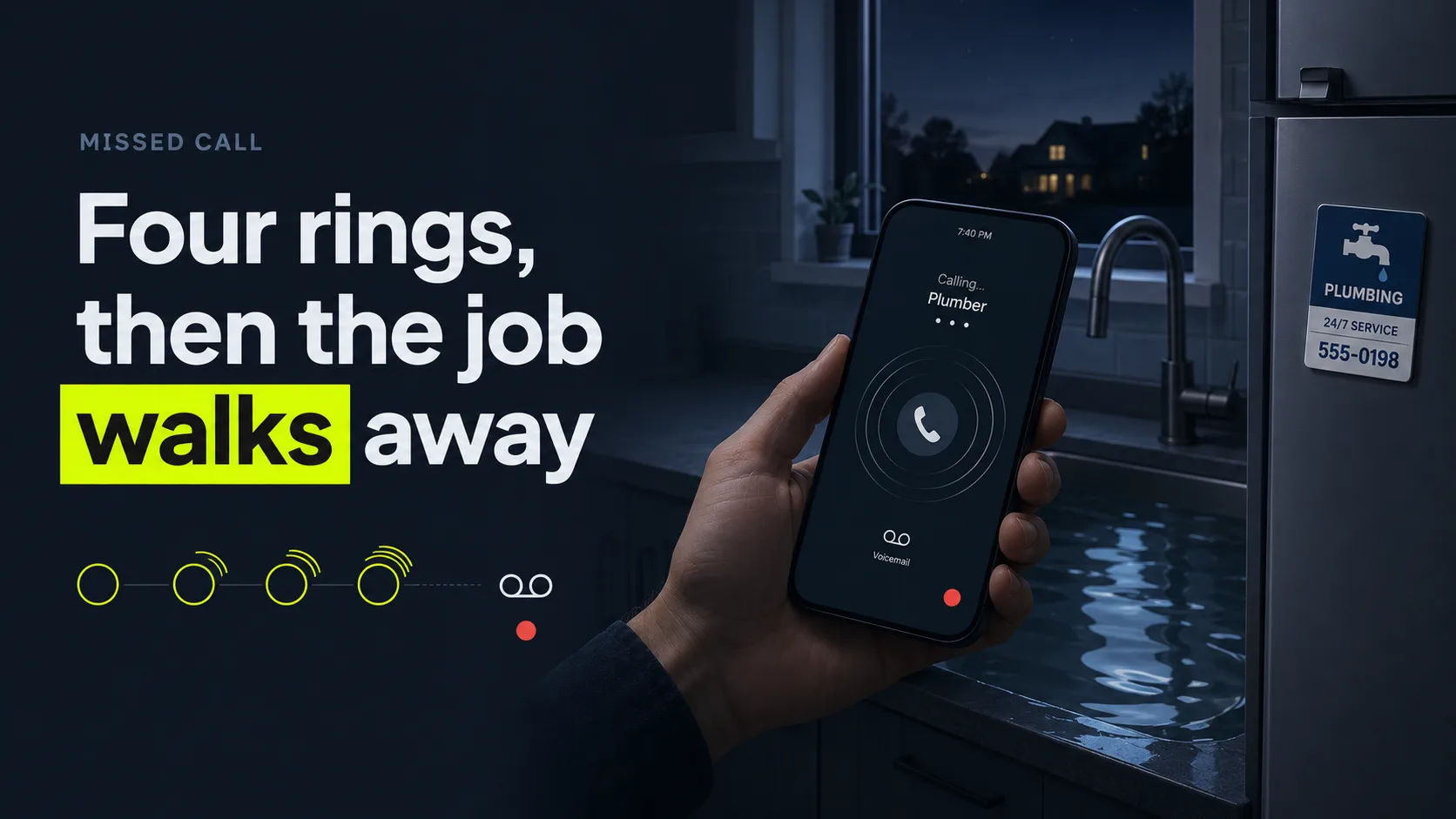
Now back to that 7:40pm call from the top, the homeowner ankle-deep under the sink. With the agent on your trunk, that call never reaches a fourth ring. It's built for home-service trades: plumbers, HVAC, electricians, and inspectors. It answers in 0.4 seconds, filters out the spam and robodialers, qualifies the caller, and books the estimate straight onto your calendar. That's the line between SkoreFlow and an answering service like Ruby. Ruby takes a message and leaves you to call back tomorrow, by which point the homeowner has already booked the next magnet on the fridge. SkoreFlow books the job tonight. It writes the booking straight into ServiceTitan, Jobber, Housecall Pro, or Google Calendar, and the setup is TCPA-aware. Plans run from $297/mo (Starter) to $897/mo (Scale), and most shops are live in 48 hours.
In practice, the setup mirrors the steps above. We confirm your trunk and channels, register the agent (or set forwarding), map the DIDs you choose, and define the routing: all calls, after-hours, or overflow only. And about that worry from a few sections back, the one where an AI on your line drives callers away? We answer it head-on. Urgent calls patch straight through to a human, because 64% of customers would prefer companies didn't use AI in customer service, and the top concern is that it gets harder to reach a person, per Gartner (survey fielded 2023, published 2024). A failover cascade catches anything the agent can't take. Our guarantee is plain: 5 booked jobs in 30 days or we refund the setup.
Illustrative example (representative scenario, not a real client): Picture a 4-line shop already on a SIP trunk that adds the agent on 2 concurrent channels. Those extra channels mainly catch calls that used to hit busy or ring out, the overflow a busy-line or after-hours setup is designed to recover. A trades shop that recovers its missed calls answers around 94% of them, versus roughly 38% before, and a setup like this models out to about $14,200 a month recovered. Numbers vary by ticket size and call volume, so run your own with the calculator below.
Citation capsule: SkoreFlow connects its missed-call recovery voice agent over SIP via forwarding, porting, or BYOC, so you keep your number and carrier while the agent answers chosen channels in 0.4 seconds, books into ServiceTitan, Jobber, or Housecall Pro, and escalates urgent calls to a human. The stakes are real because 66% of SMBs rate inbound phone calls as their top lead source, per BIA/Kelsey (2014).
Run the missed-call revenue calculator to estimate your captured-call revenue and break-even, or Book a Free Call Audit and we'll map your SIP setup and recovery.
The bottom line: add voice AI without ripping out your phones
Connecting an AI voice agent over SIP doesn't mean tearing out your phone system. It means pointing the lines you already have at an agent that answers, talks, and acts in real time. Keep your number through forwarding, porting, or BYOC, confirm your provider's codecs, channels, and DIDs, and build a failover cascade so no call ever hits a dead line. The reason to bother is the homeowner under the sink at 7:40pm: missed calls don't return, with fewer than 3% of callers sent to voicemail leaving a message, per Invoca (2024).
Start small if you want. Forward overflow or after-hours calls first, watch the capture for a week, then expand once you see the jobs land. Want to know what your missed and dropped calls are actually worth? Run the numbers in the calculator, then Book a Free Call Audit, a 20-minute, no-pressure call where we'll map your SIP setup and recovery. No rebuild, no new hardware, and your number stays exactly where it is.
Next steps: estimate your captured-call revenue with the calculator, or Book a Free Call Audit and see how the recovery voice agent answers, routes, and books.
Written and reviewed by Maksim Skorokhod, Founder of SkoreFlow, who builds AI answering and voice automation for small service businesses. Last reviewed: 2026-06-07.